





















How-to
How to create a business pass for Apple and Google wallet
By AddToWallet TeamPublished Updated 1 min read
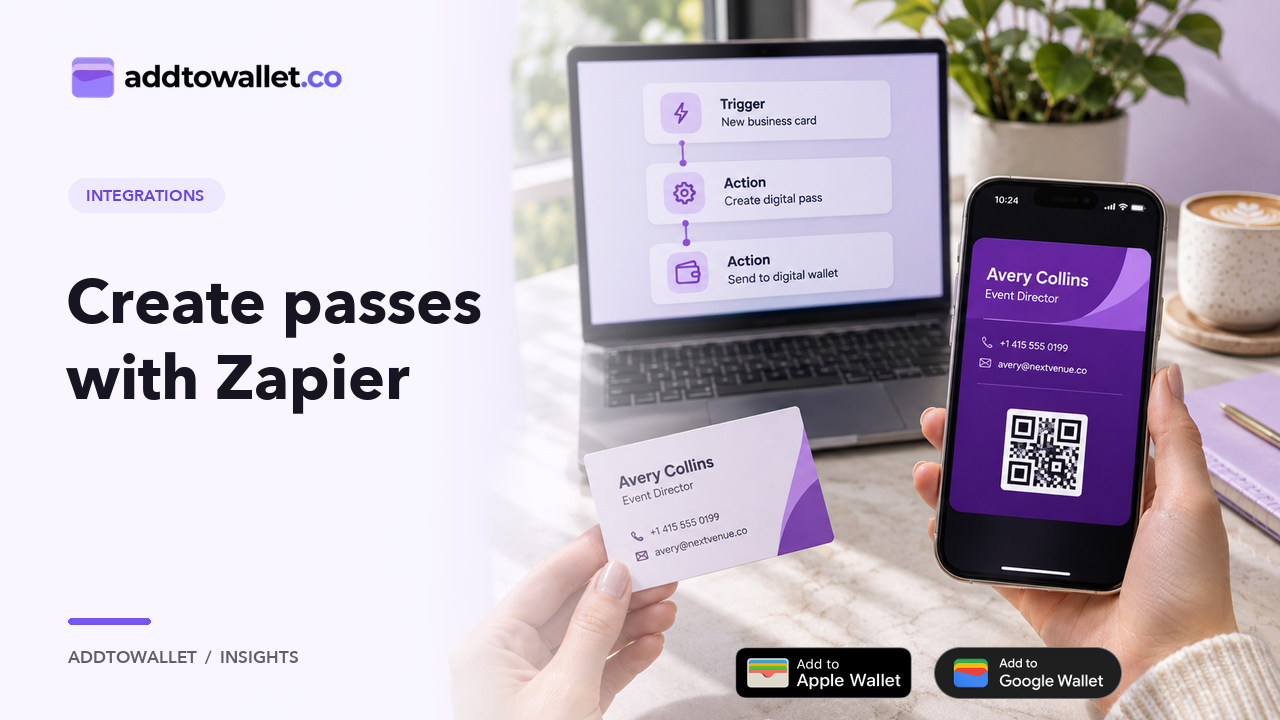
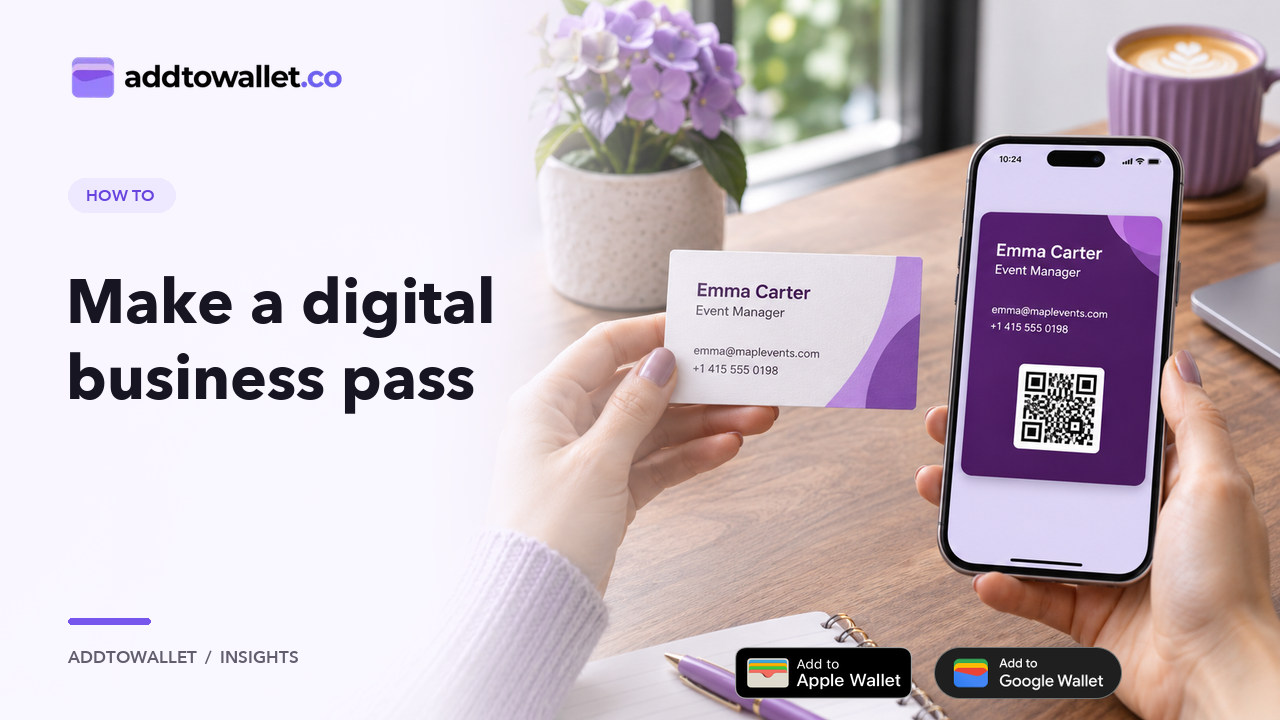
Open the templates section, choose Business Card, and edit the hero image, color, and name. On the back of the pass, add a phone number, email, and office location, then click Add to Wallet so someone can scan and save it.
Discover How to Craft a Digital Business Pass with addtowallet.co: An Innovative Alternative to Conventional Business Cards
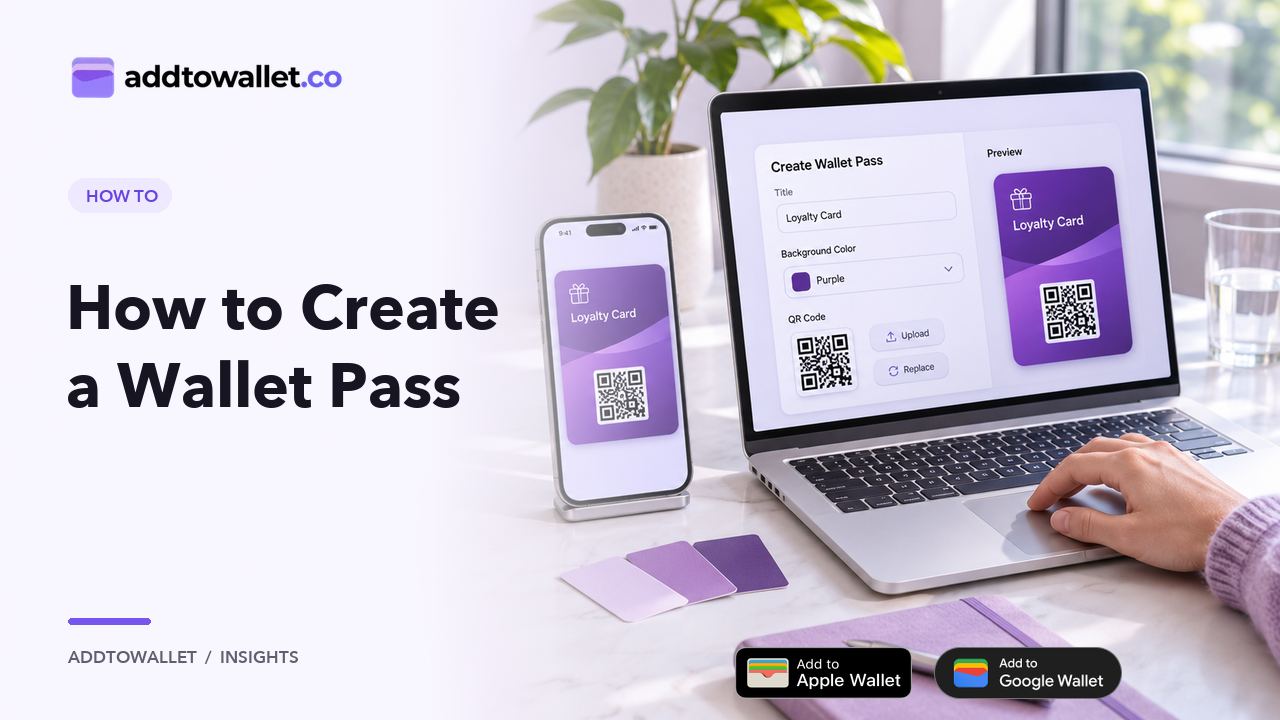
Create a business pass
- Navigate to the templates section at the top, click on 'Business Card.
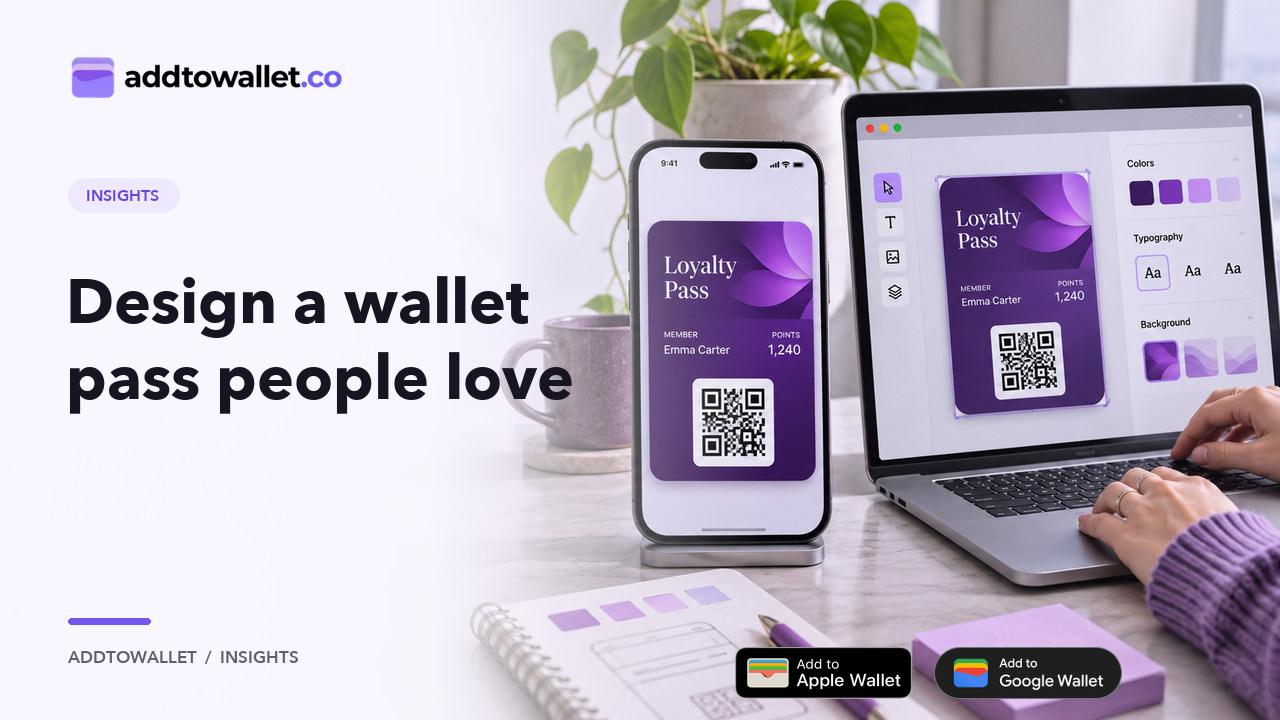
- Now, edit the fields according to your needs. You can change the hero image, adjust the color, or update your name.
- A person can save your business pass by scanning it. You also have the option to switch it to add a link or any other value of your choice.
- On the back of the pass, add your phone number, email, and office location. These fields will be actionable, so if someone clicks on the phone number, it will dial that number.
- Once you're satisfied with your design, click on the 'Add to Wallet' button.