addtowallet.co
Create PassFeaturesPricingAPIBlog
Sign InGet Started Free
All guides▾
  • Guide10 reasons why incorporating Mobile Wallet Passes into your mobile strategy is essential
  • Guide5 Reasons why your store needs a wallet pass
  • GuideAdvantages of using Google and Apple wallet pass in businesses
  • GuideBest practices to design an amazing wallet pass
  • GuideBoost Engagement with Interactive Wallet Passes in Magazines
  • GuideConvert Pdf To Pass Using AddToWallet
  • GuideCreate Apple wallet pass for free
  • GuideCreate Apple Wallet passes for Your Business
  • GuideCreate Google wallet pass for free
  • GuideCreating Apple and Google Wallet Passes
  • GuideCreate Wallet Passes with the AddToWallet Zapier Integration
  • GuideDifferences between Apple and Google wallet
  • GuideEnhance audience interaction with wallet passes in Newspapers
  • GuideHidden Form Fields: Dynamic Expiry for Wallet Passes
  • GuideHow Google and Apple Wallet Pass Works
  • How-toHow to Add Amelia Booking Passes to Apple Wallet & Google Wallet
  • How-toHow to Add an Add to Wallet Button to Your Website
  • How-toHow to Add an Apple Wallet Button Easily
  • How-toHow to Add Bookly Booking Passes to Apple Wallet & Google Wallet
  • How-toHow to Add Location to Wallet Passes
  • How-toHow to Add Team Members to Your Account
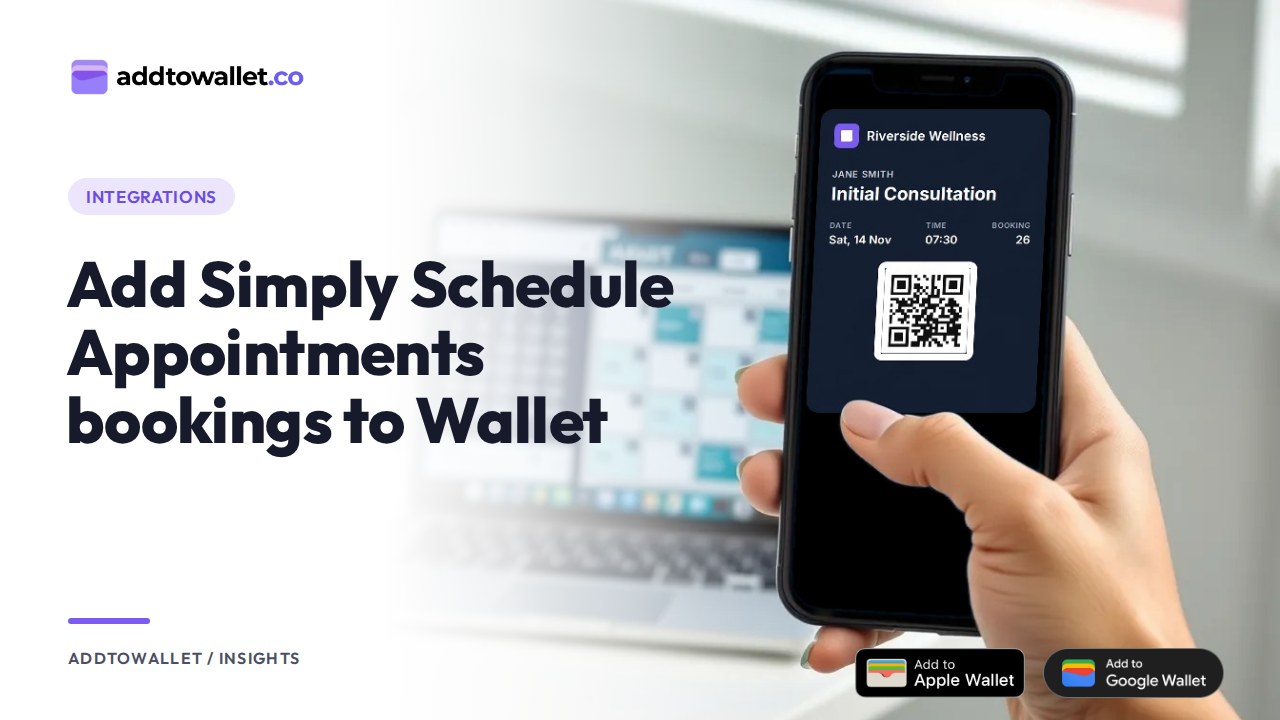
  • How-toHow to Add Simply Schedule Appointments Bookings to Apple Wallet & Google Wallet
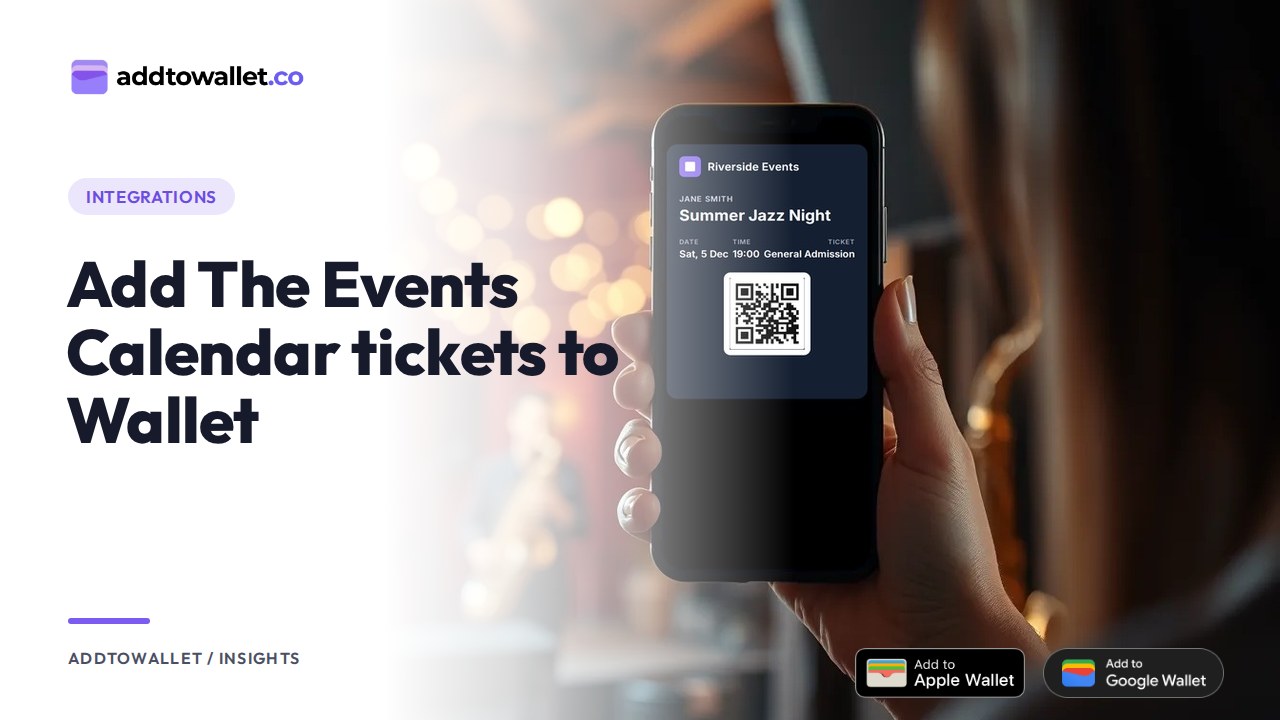
  • How-toHow to Add The Events Calendar Tickets to Apple Wallet & Google Wallet
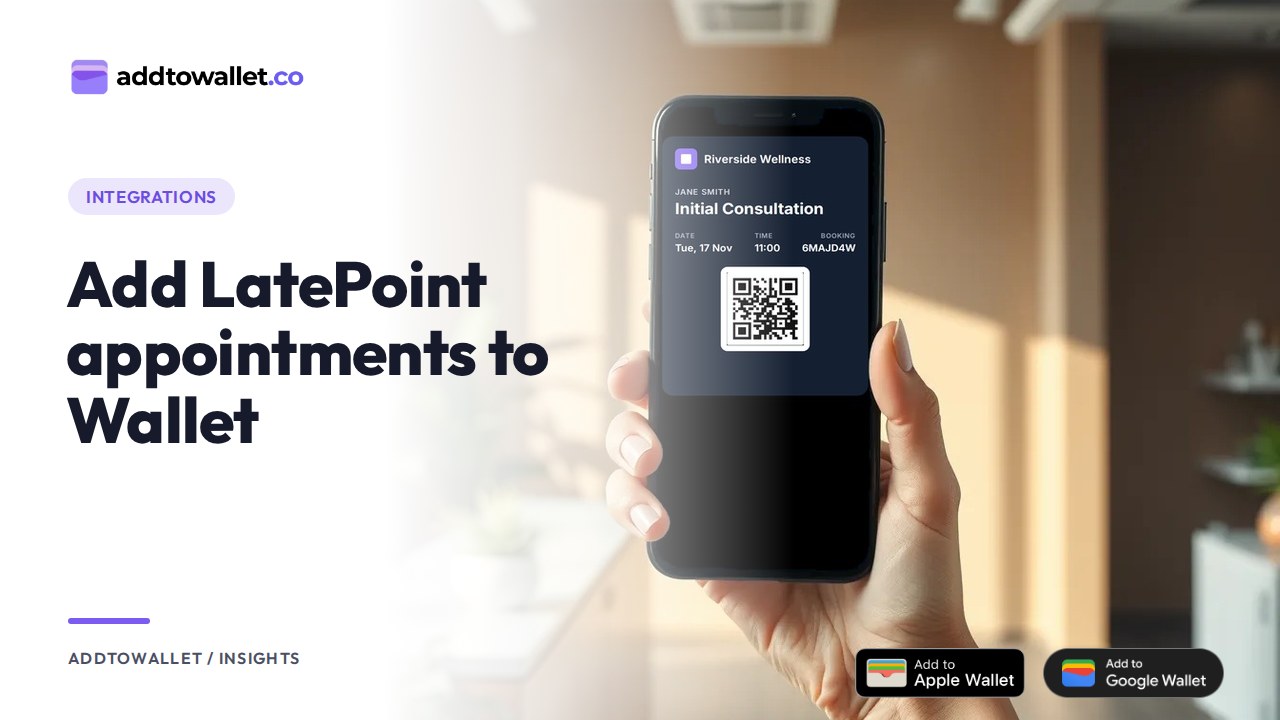
  • How-toHow to Add LatePoint Appointments to Apple Wallet & Google Wallet
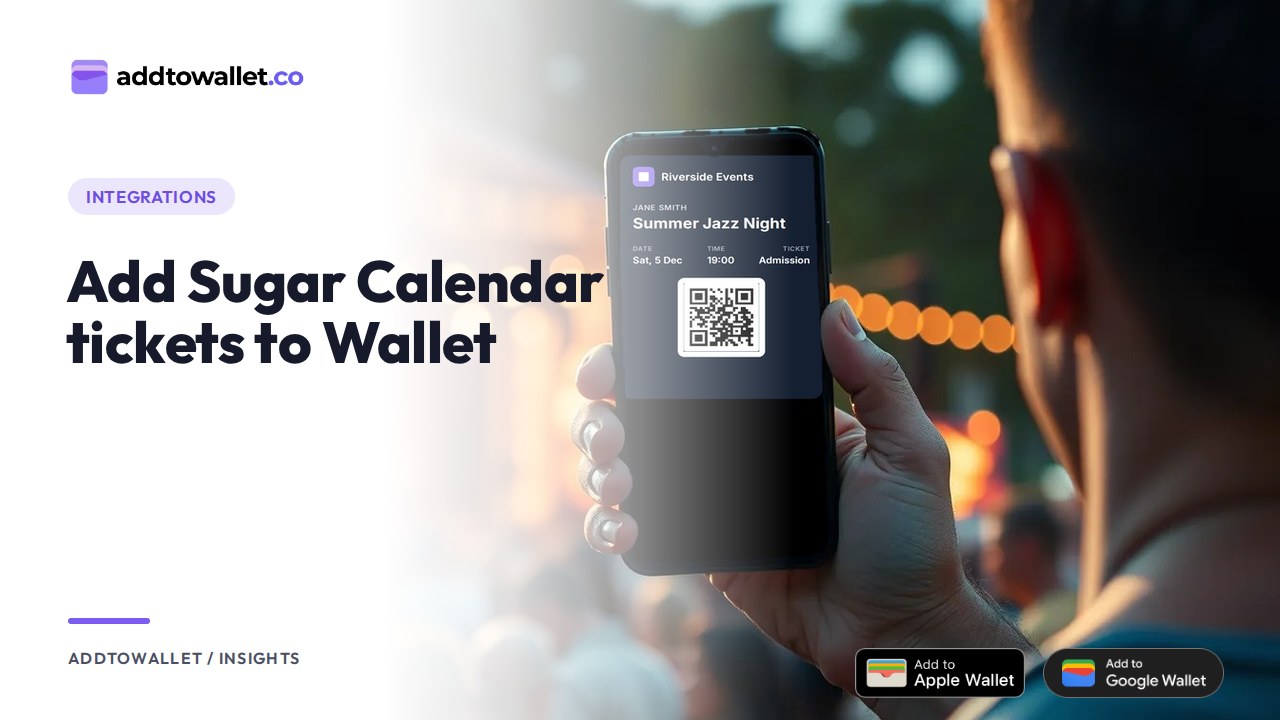
  • How-toHow to Add Sugar Calendar Tickets to Apple Wallet & Google Wallet
  • How-toHow to configure notifications for Apple & Google wallet passes
  • How-toHow to create a business pass for Apple and Google wallet
  • How-toHow to Create a wallet pass?
  • How-toHow to create a wallet pass using Zapier Integration?
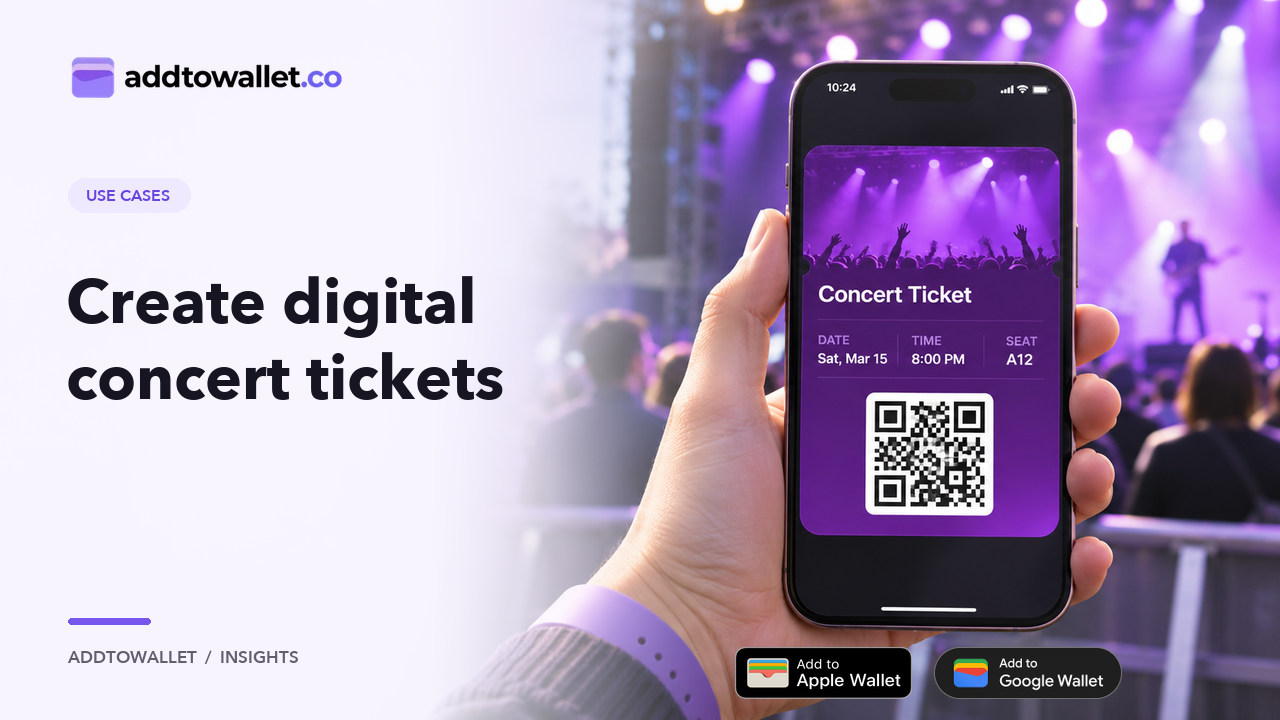
  • How-toHow to create digital Concert Tickets with AddToWallet.co
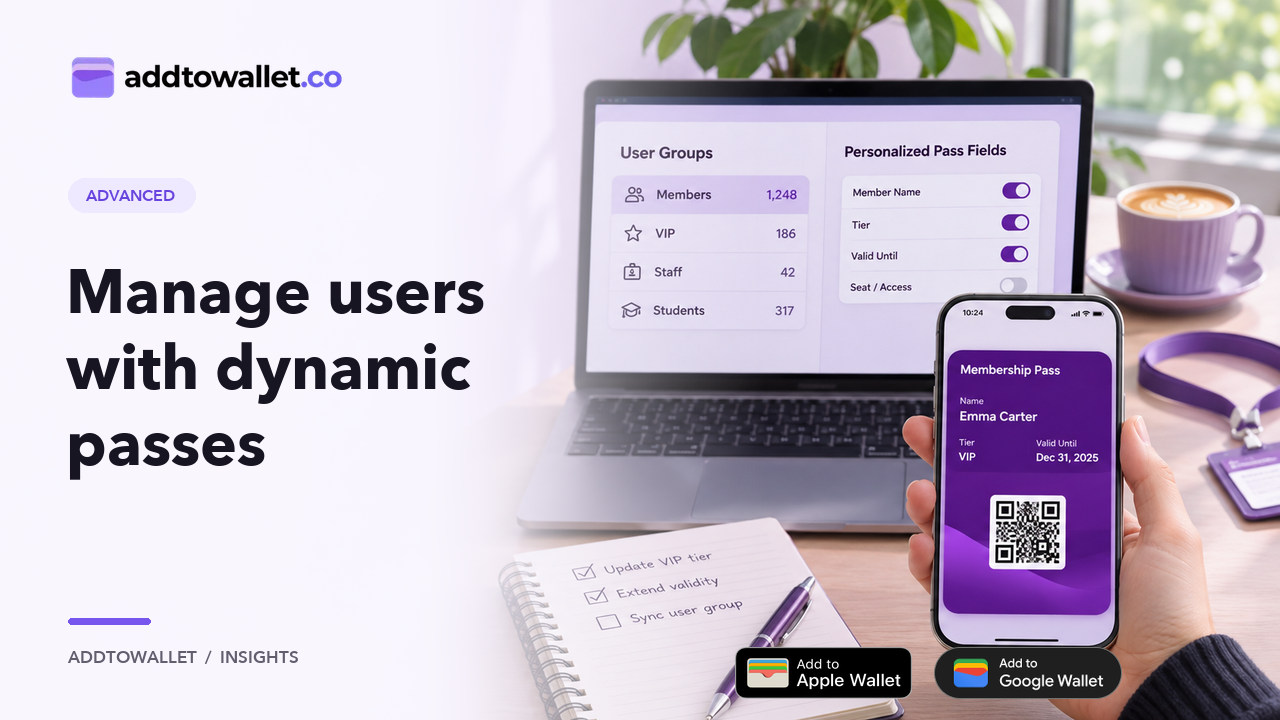
  • How-toHow to create dynamic passes and manage users in AddToWallet
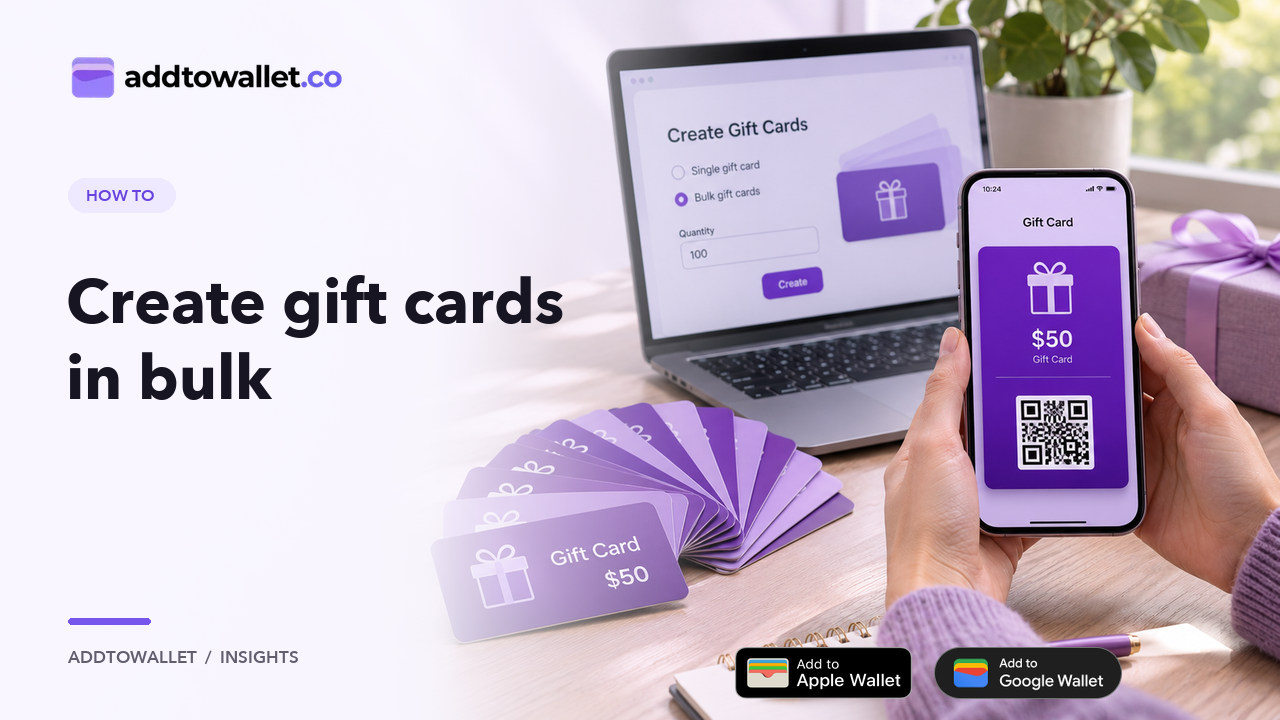
  • How-toHow To Create Gift Cards in Bulk
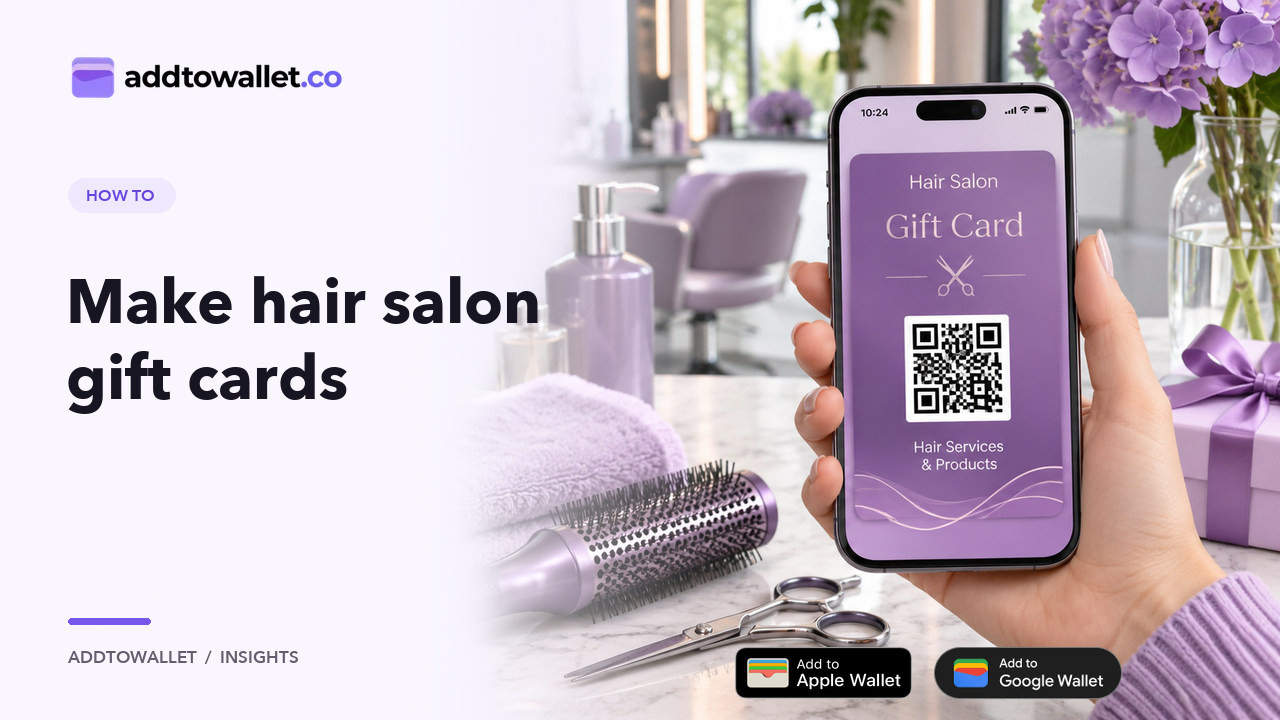
  • How-toHow to Create Hair Salon Gift Cards in Minutes
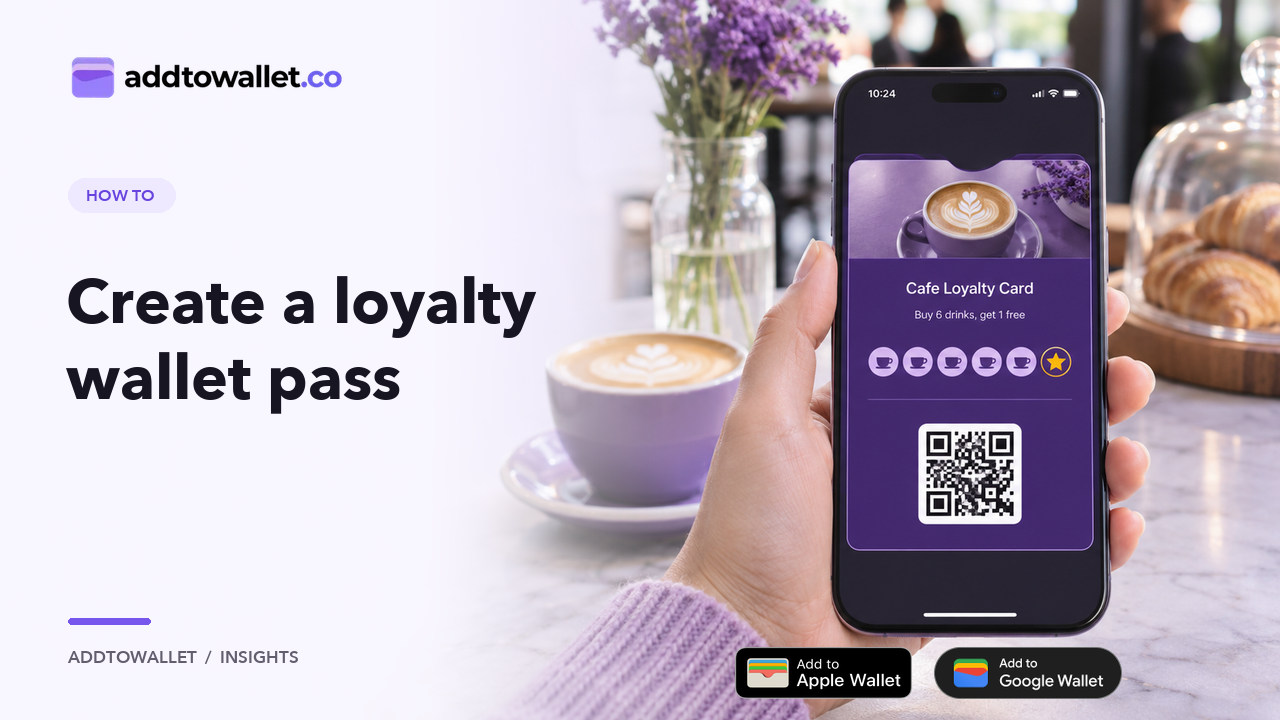
  • How-toCreate Loyalty Wallet Pass Using AddToWallet
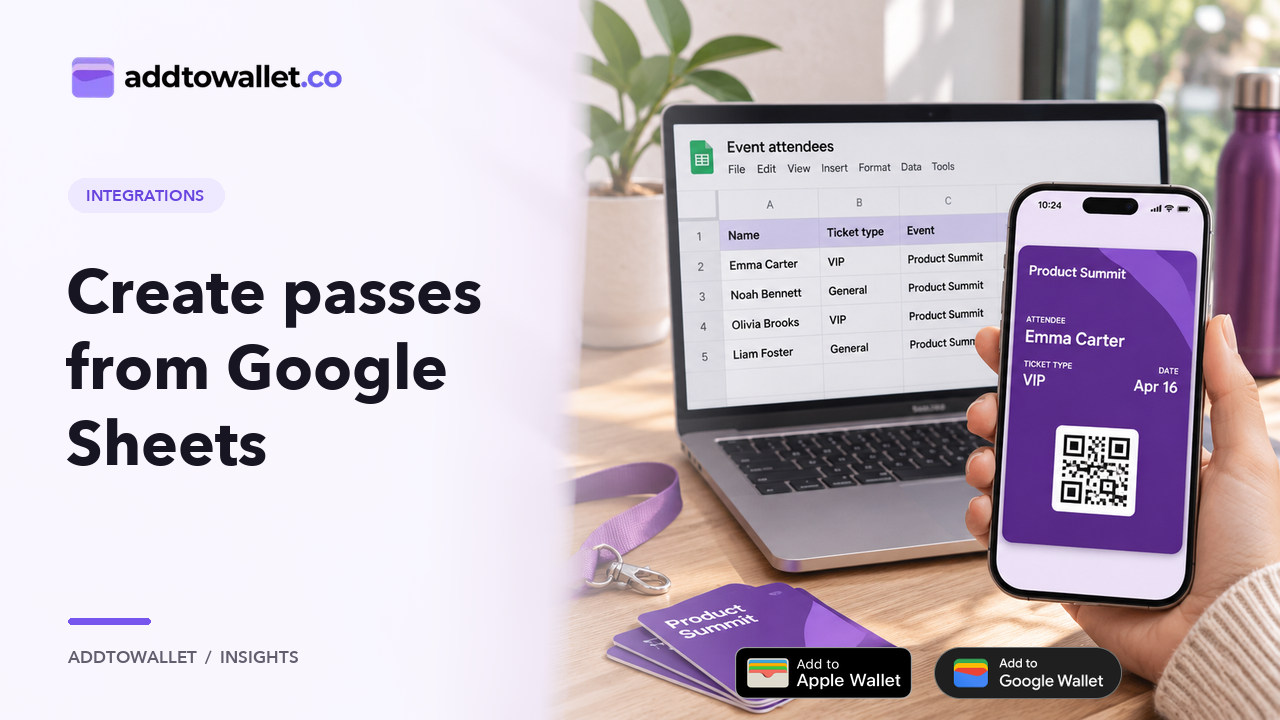
  • How-toHow to Create Mobile Wallet Passes Using Google Sheets
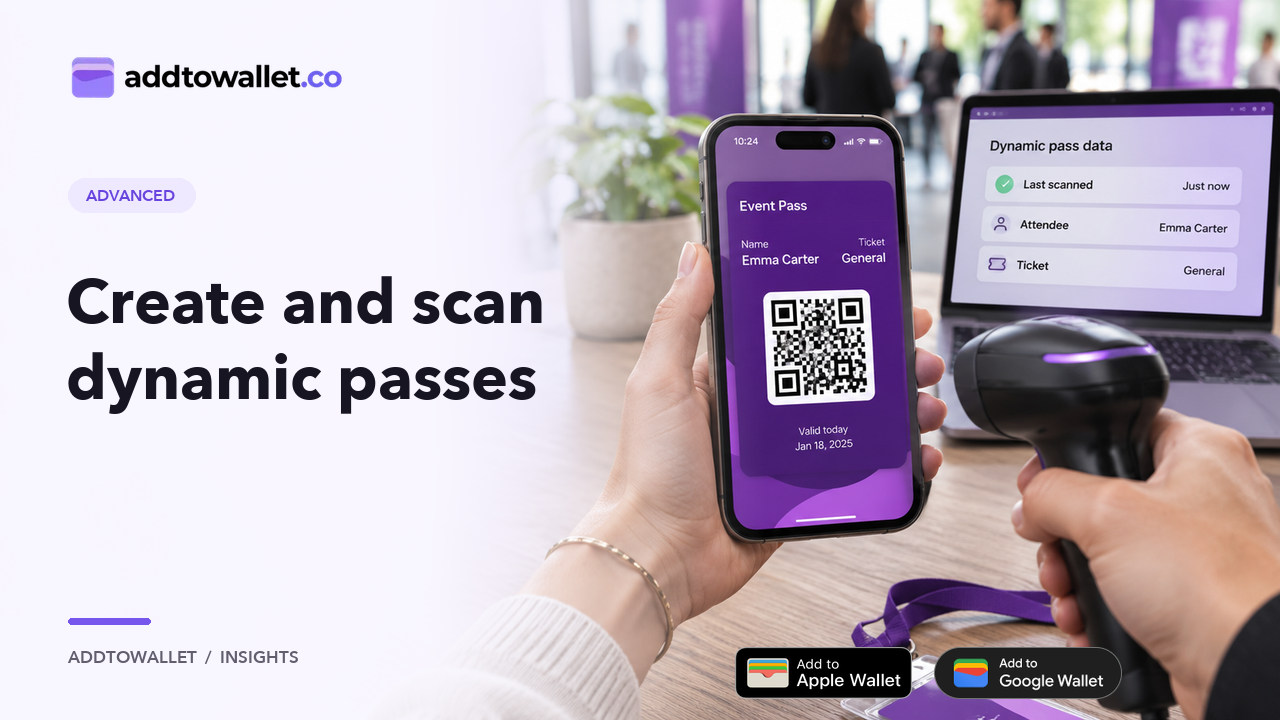
  • How-toHow to Create & Scan Dynamic Wallet Passes Using AddToWallet
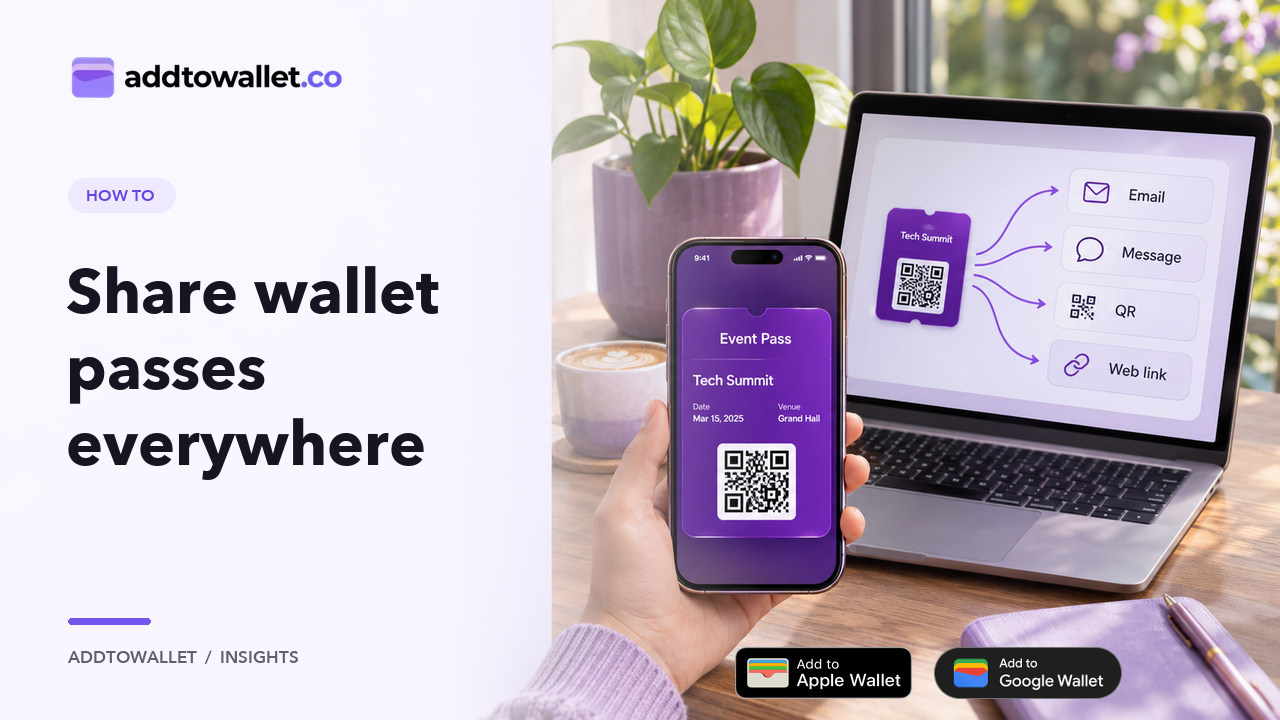
  • How-toHow To Distribute Google or Apple Wallet Pass
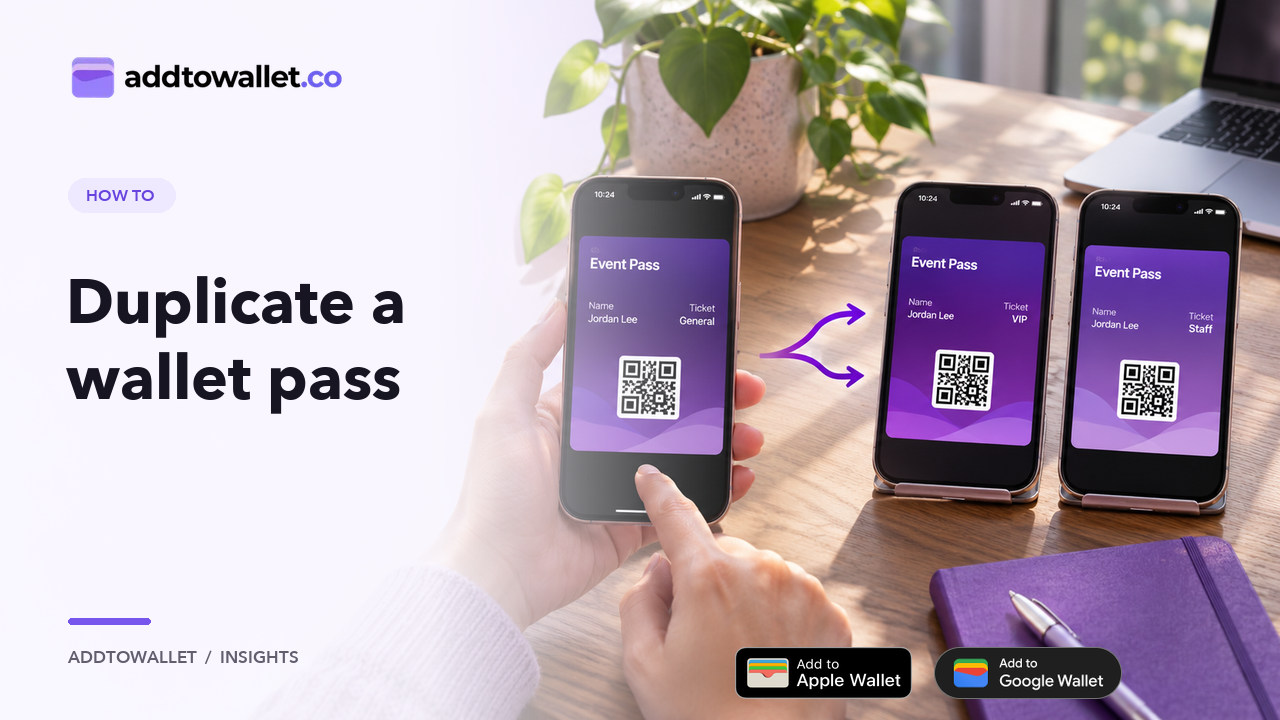
  • How-toHow to duplicate a wallet pass?
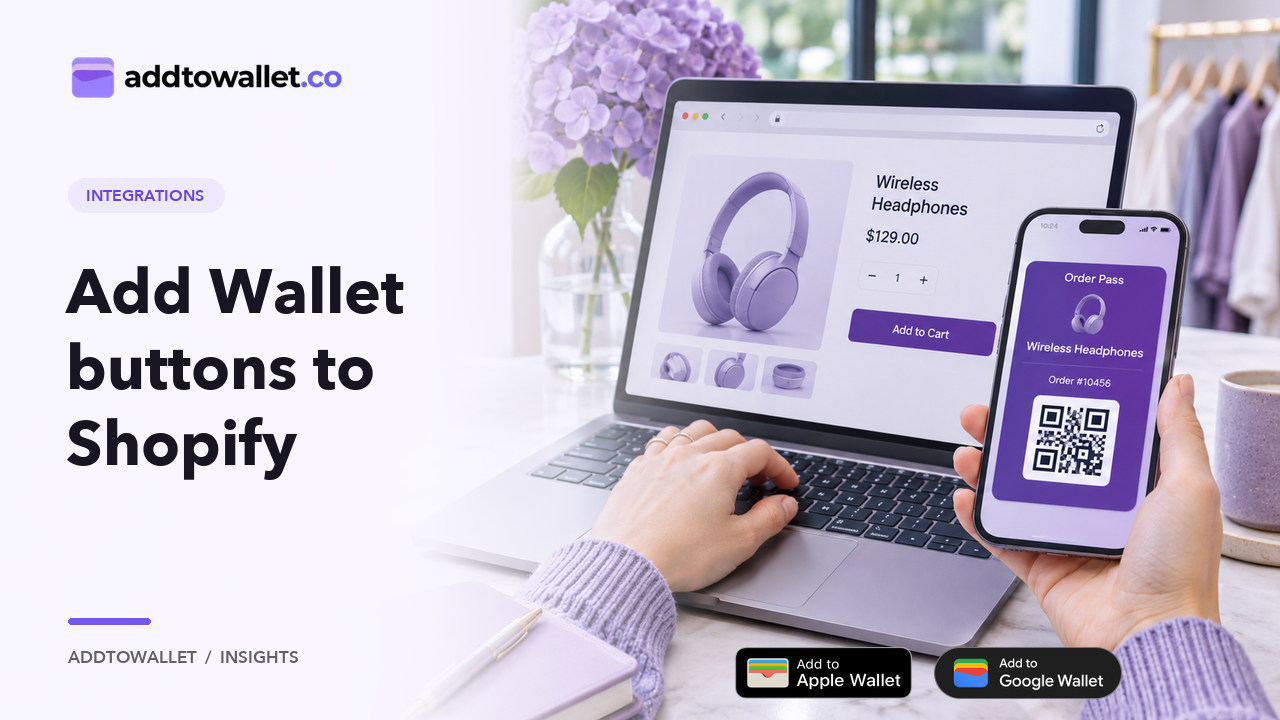
  • How-toHow to embed Google Wallet or Apple Wallet button on Shopify
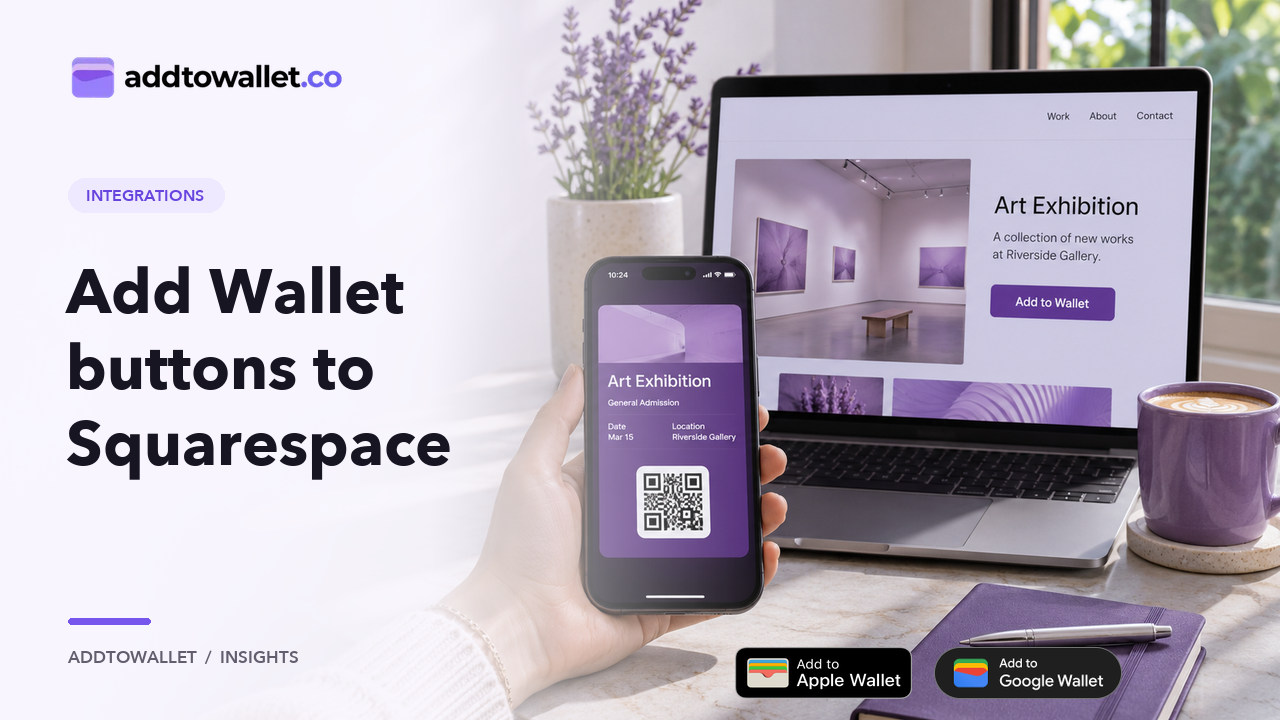
  • How-toHow to embed Google wallet or Apple wallet button on Squarespace
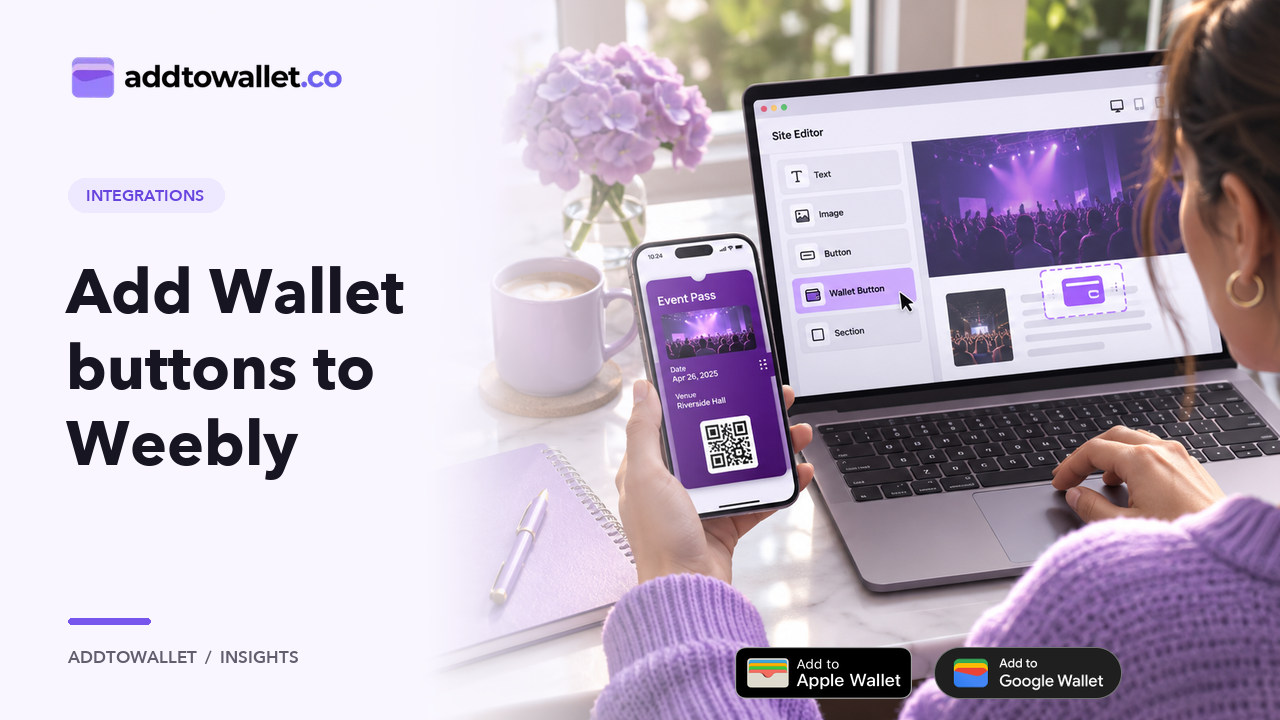
  • How-toHow to embed Google Wallet or Apple Wallet button on Weebly
  • How-toHow to embed Google Wallet or Apple wallet button on Wix
  • How-toHow to embed Google Wallet or Apple Wallet button on WordPress
  • How-toHow to Generate JSON for Apple & Google Wallet Passes
  • How-toHow to generate leads using Google wallet or Apple wallet Pass wallet pass?
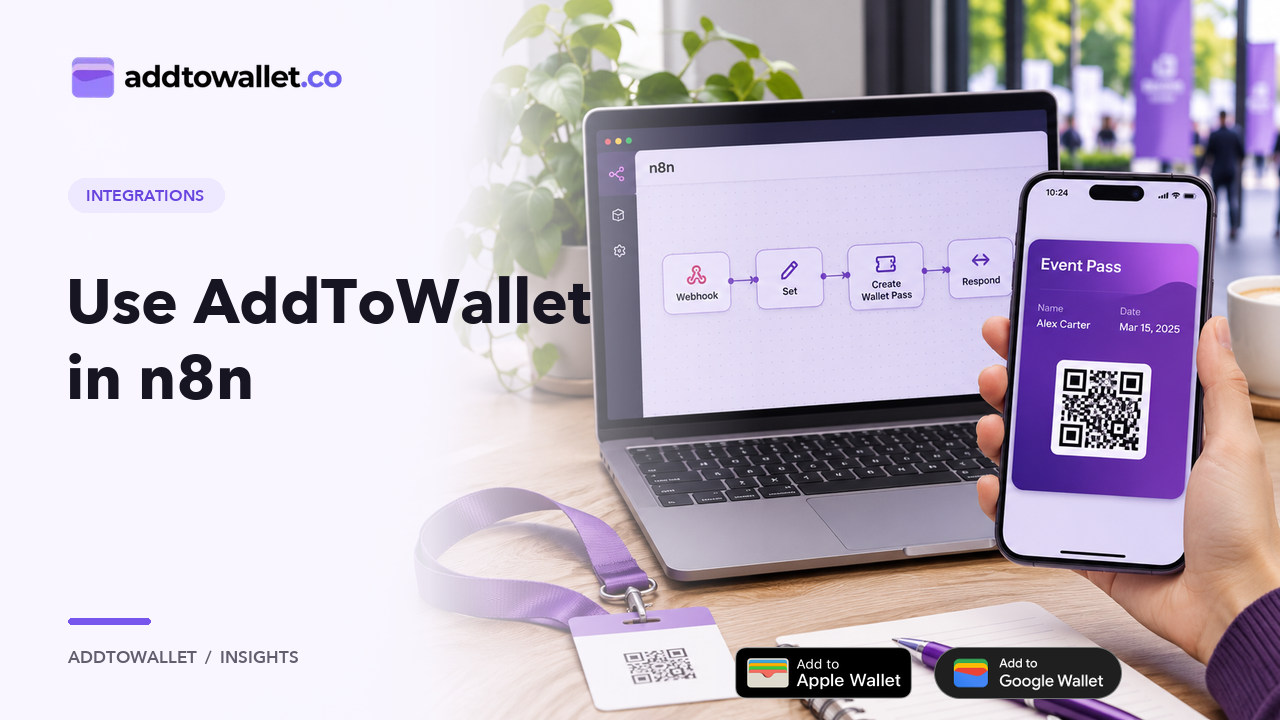
  • How-toHow to Use AddToWallet Node on N8N
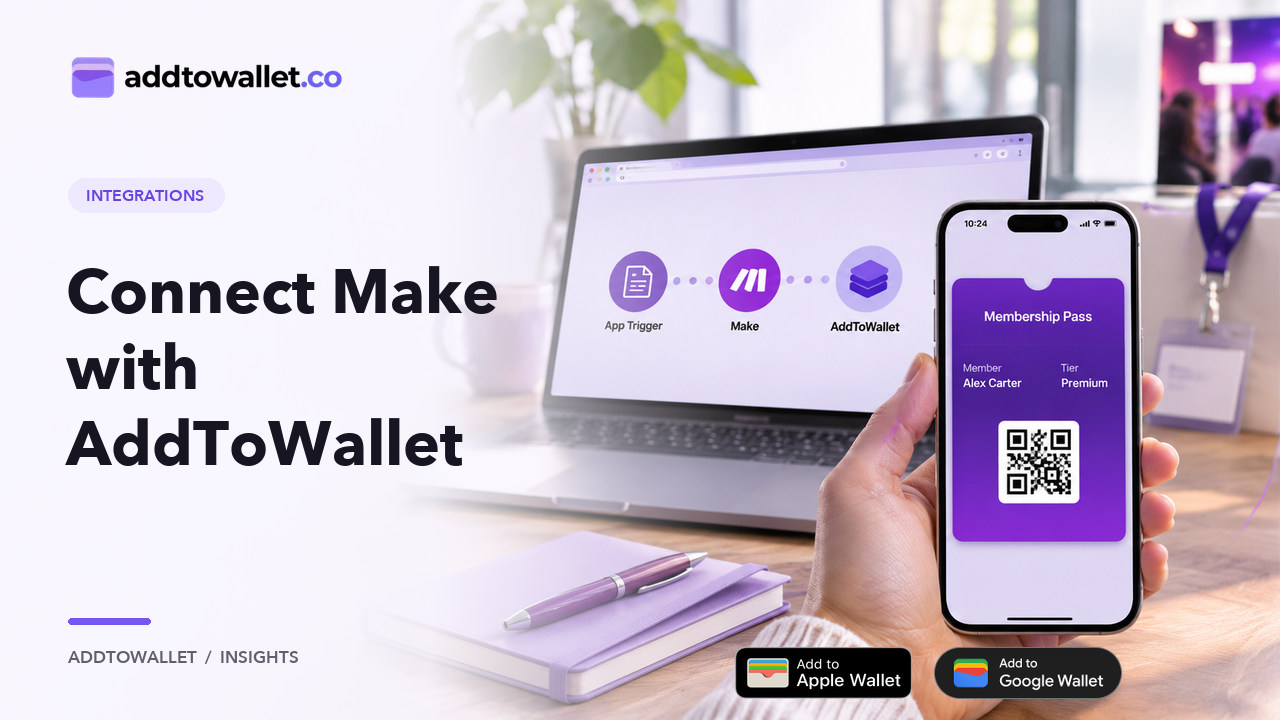
  • How-toHow to integrate make.com with AddToWallet.co?
  • How-toHow to Secure Wallet Passes with Access Code Protection
  • How-toHow to Send Notifications Using Wallet Pass
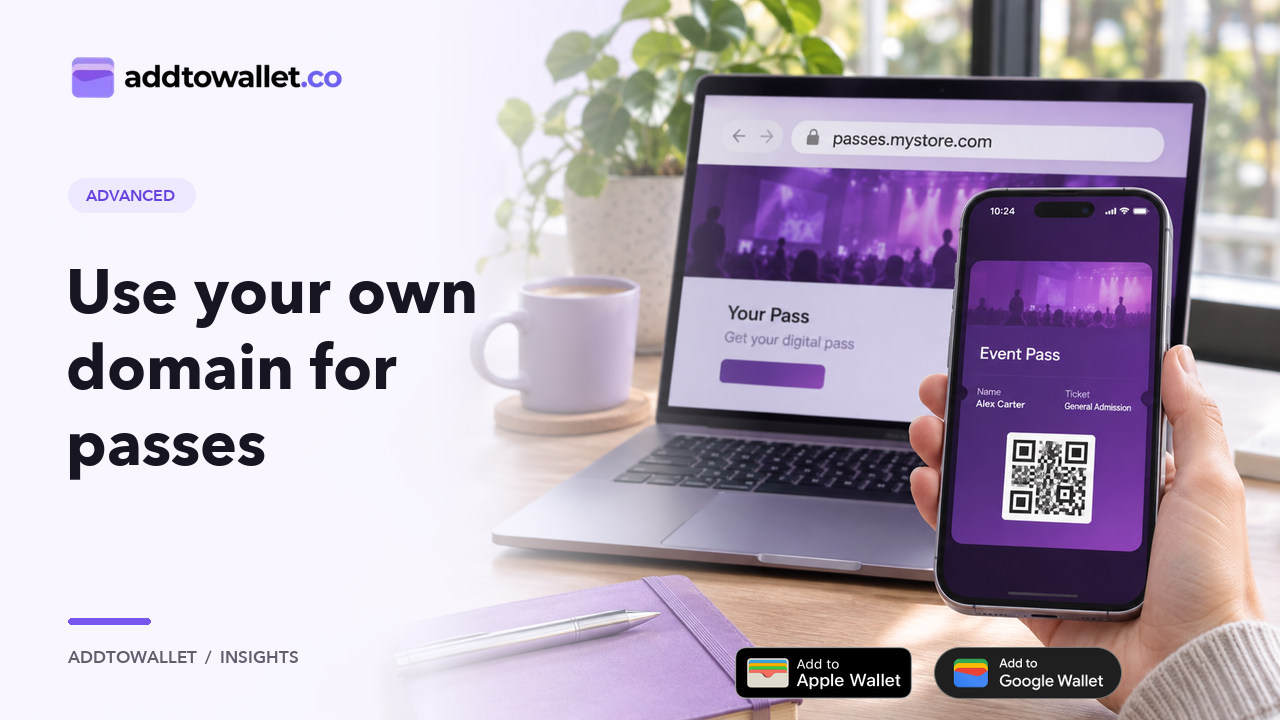
  • How-toHow to Set Up Custom Domains with AddToWallet
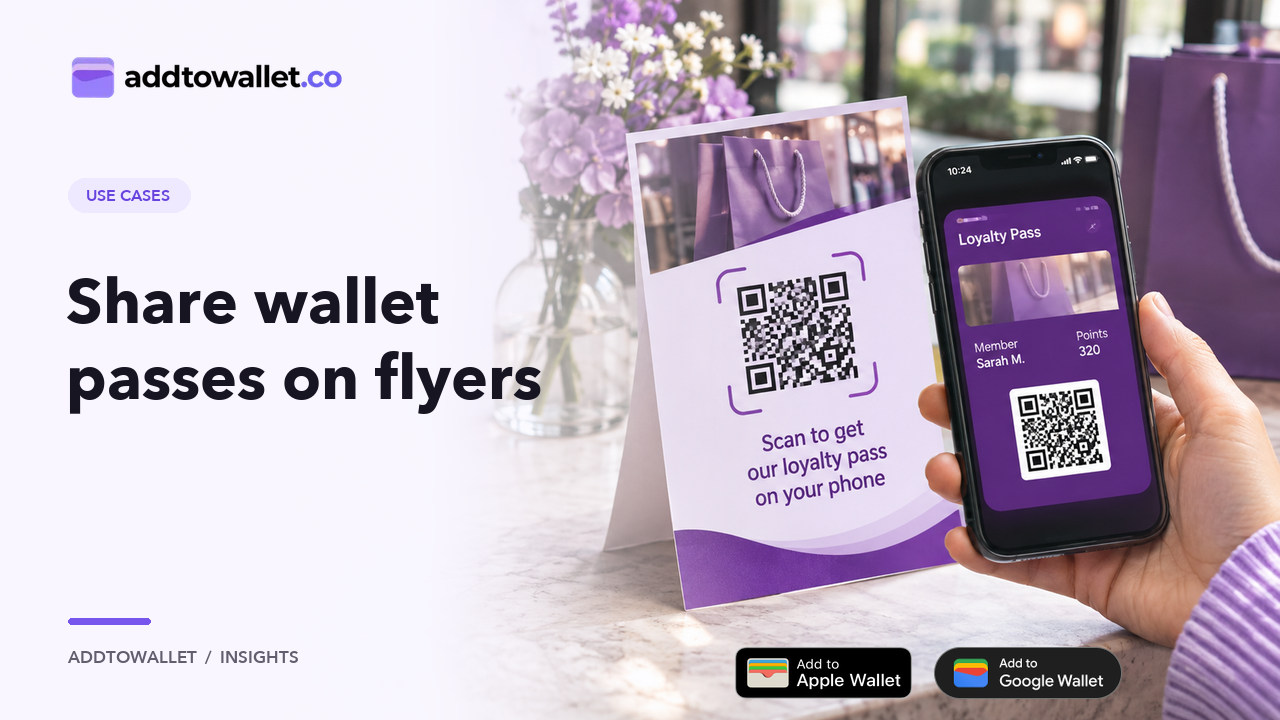
  • How-toHow to Share Wallet Passes Using Flyers
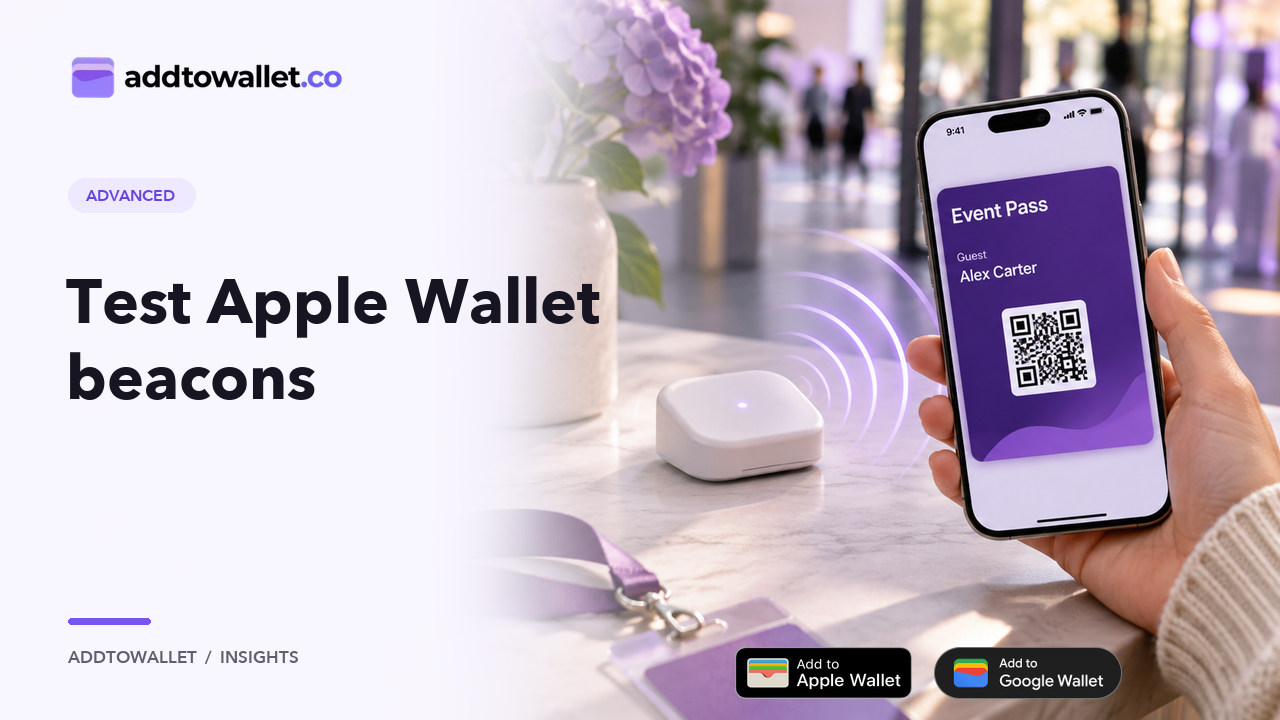
  • How-toHow to test Apple Wallet beacons
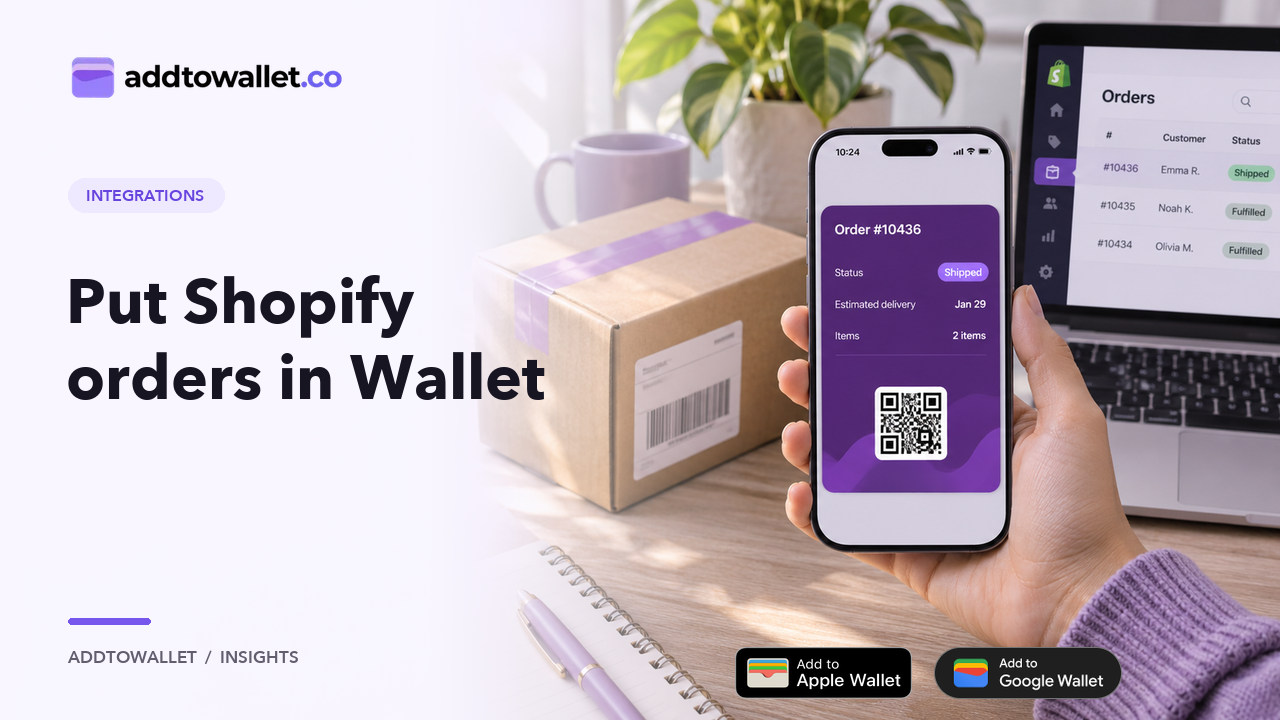
  • How-toAddToWallet Order Pass App on Shopify
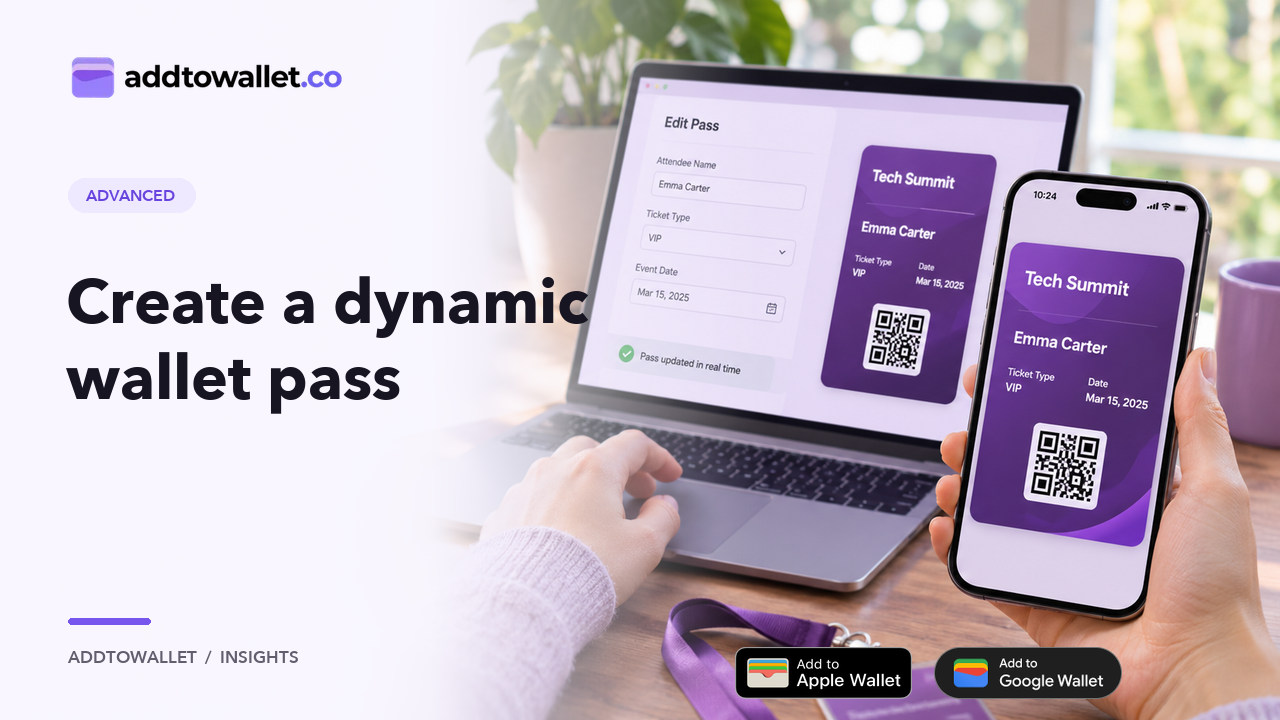
  • How-toHow to create dynamic wallet pass
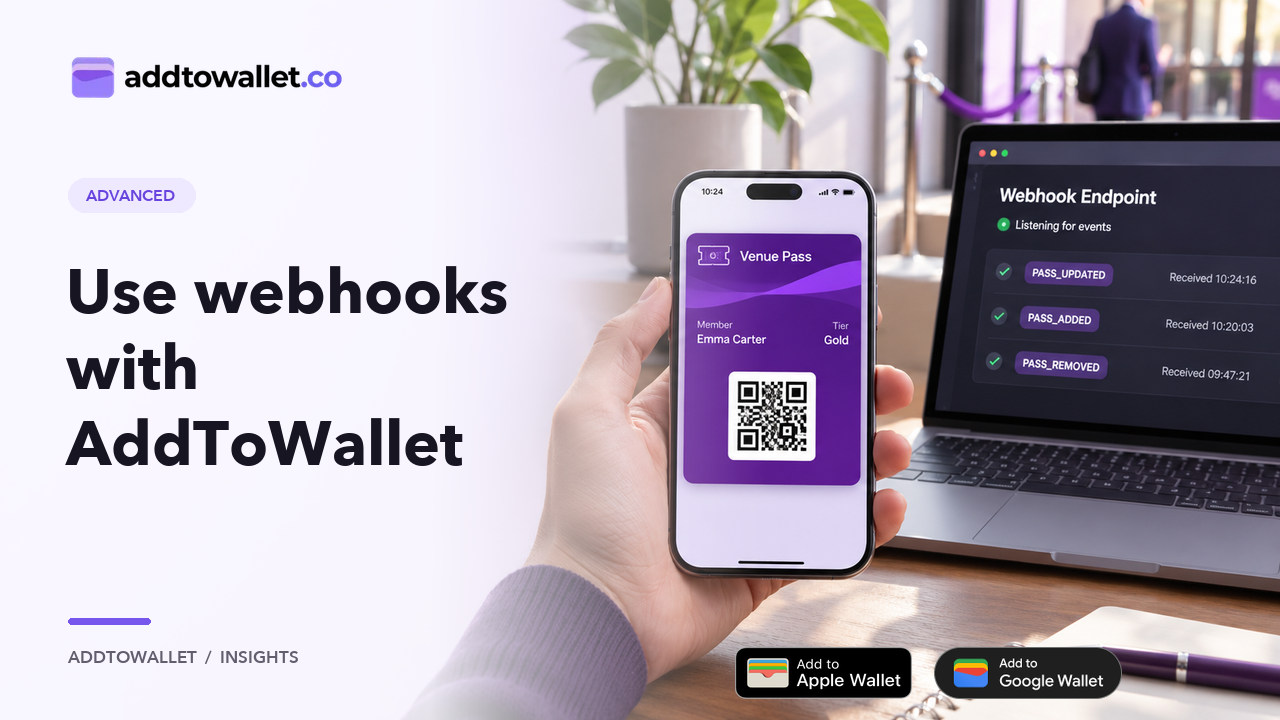
  • How-toHow to Use Webhooks with AddToWallet
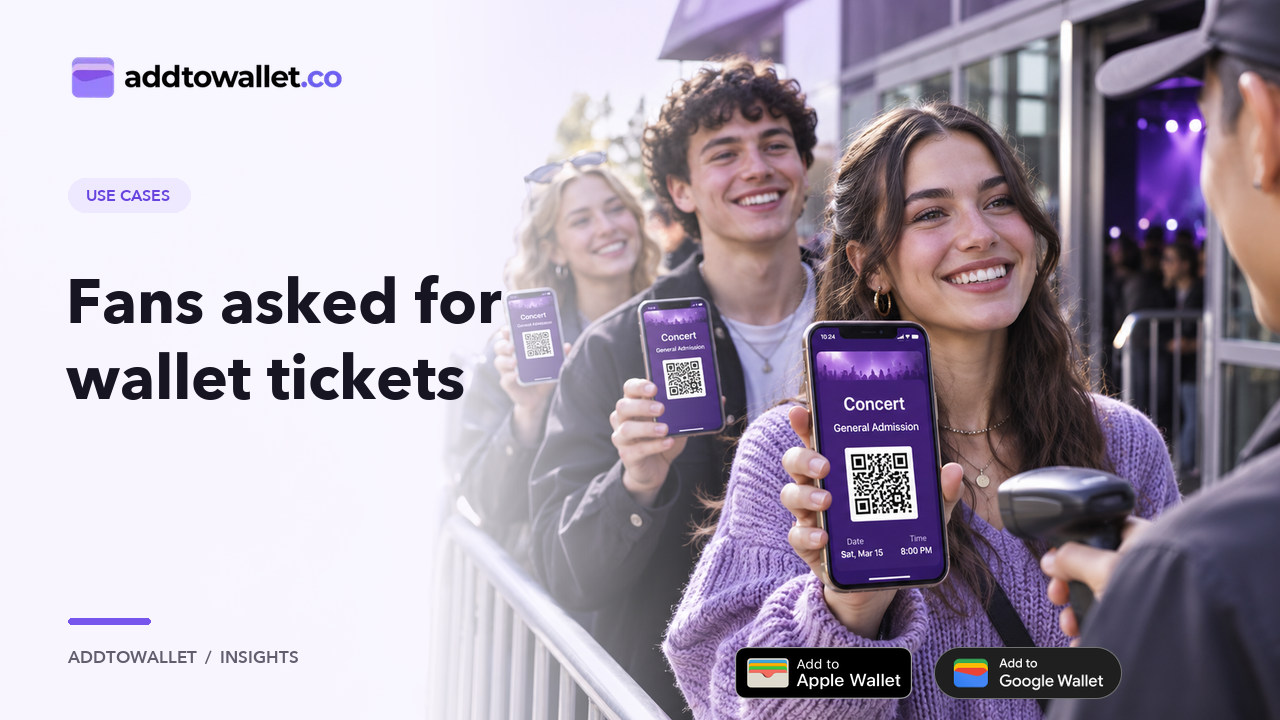
  • GuideOur Audience Asked for Wallet Tickets AddToWallet.co Delivered
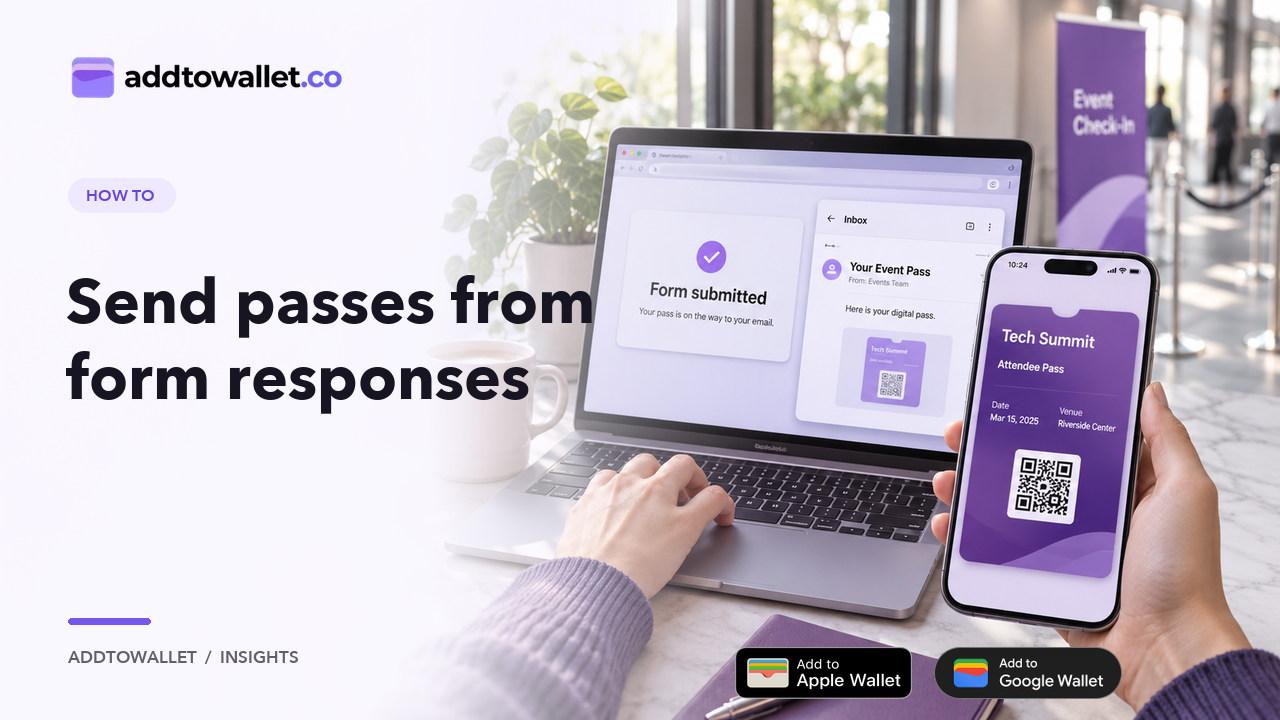
  • GuideCreate Wallet Passes from Form Responses
  • GuideWallet Pass Generator for Google Sheets
  • GuideWallet Passes for Wedding Invitations

Guide

10 reasons why incorporating Mobile Wallet Passes into your mobile strategy is essential

By AddToWallet Team·Published March 20, 2024·Updated November 5, 2026·2 min read

In today's digital age, mobile devices play an increasingly significant role in consumers' lives. While various mobile tools contribute to a robust mobile strategy, Mobile Wallet Passes have emerged as a particularly impactful component.

Mobile Wallet Passes offer an effective solution for companies aiming to enhance their mobile strategy. They are not only cost-effective and time-efficient but also elevate the overall customer experience across all touchpoints, driving engagement.
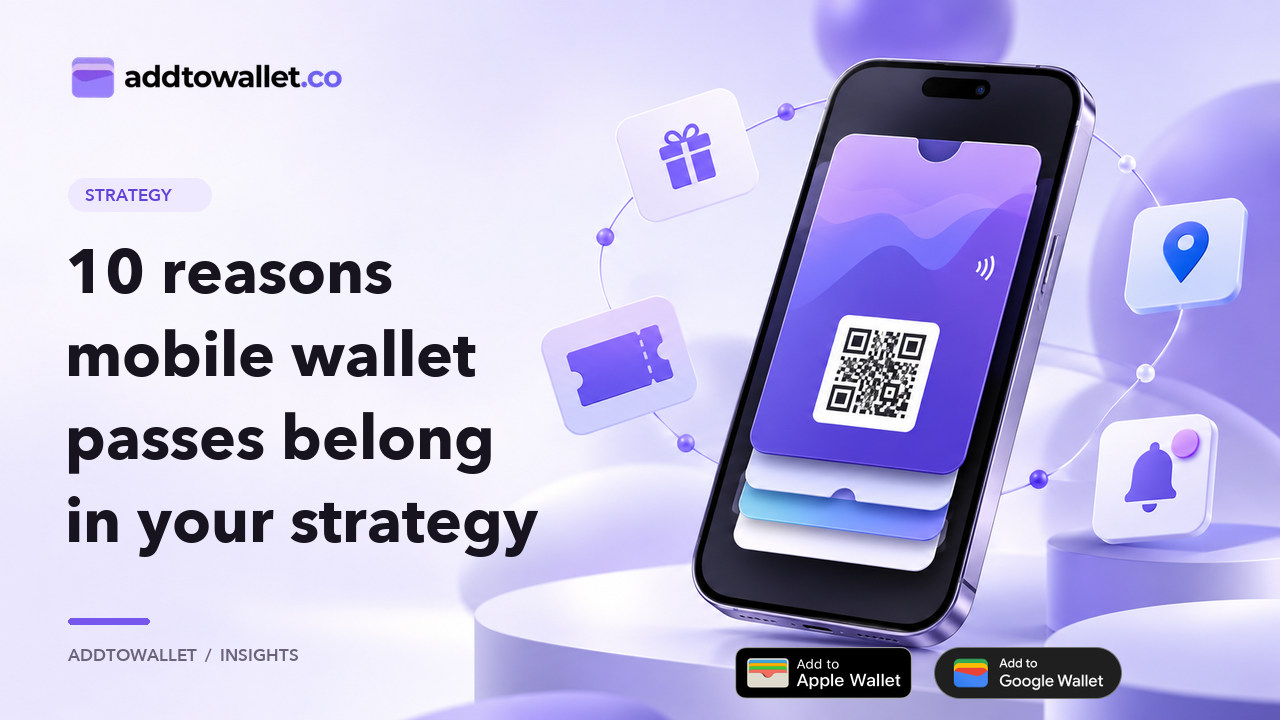
10 reasons why incorporating Mobile Wallet Passes into your mobile strategy is essential

Here are 10 reasons why incorporating Mobile Wallet Passes into your mobile strategy is essential:

Leverage Native Apps

Reach potential customers who haven't installed your app by utilizing Mobile Wallet Passes within native apps like Apple Wallet and Google Wallet, seamlessly integrating your programs into customers' smartphones.

Bypass App Store Approval Processes

Avoid the lengthy approval processes associated with app stores. Mobile Wallet Passes allow for quick and hassle-free distribution to customers' smartphones within seconds.

Simple Installation

Easily distribute Mobile Wallet Passes through email, SMS, QR codes, or direct links, ensuring effortless installation for users.

Cross-Platform Compatibility

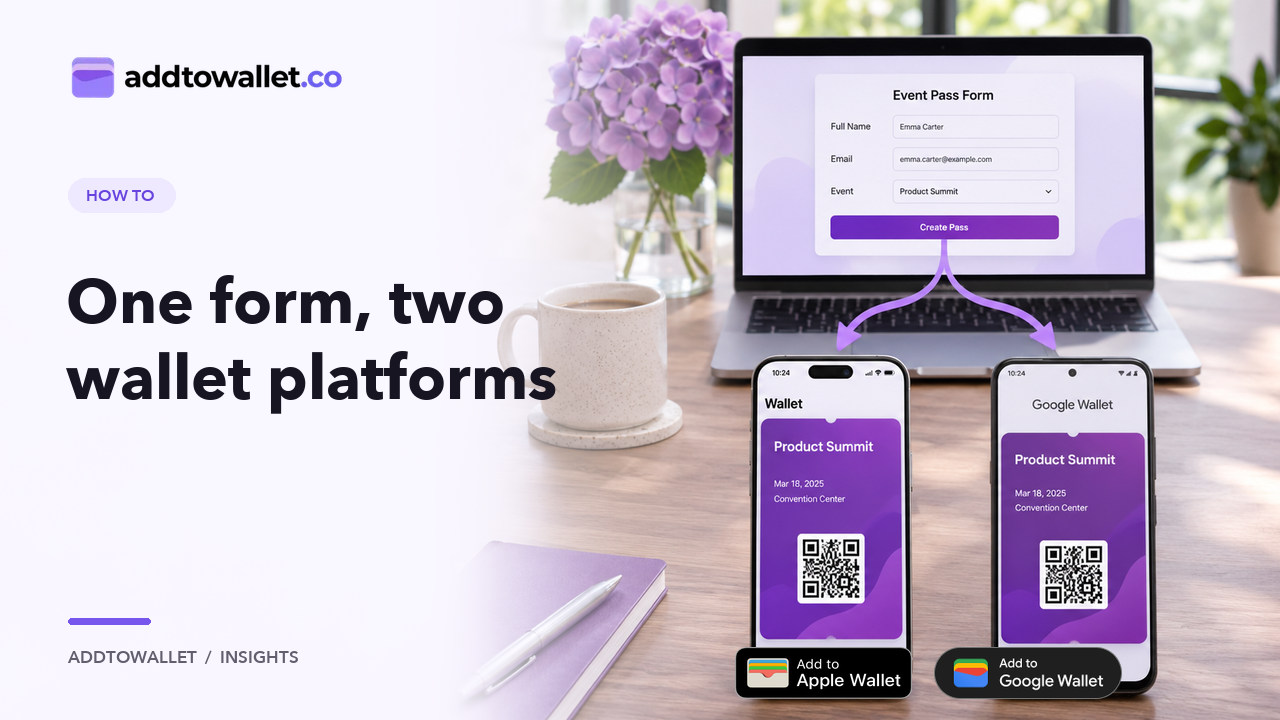
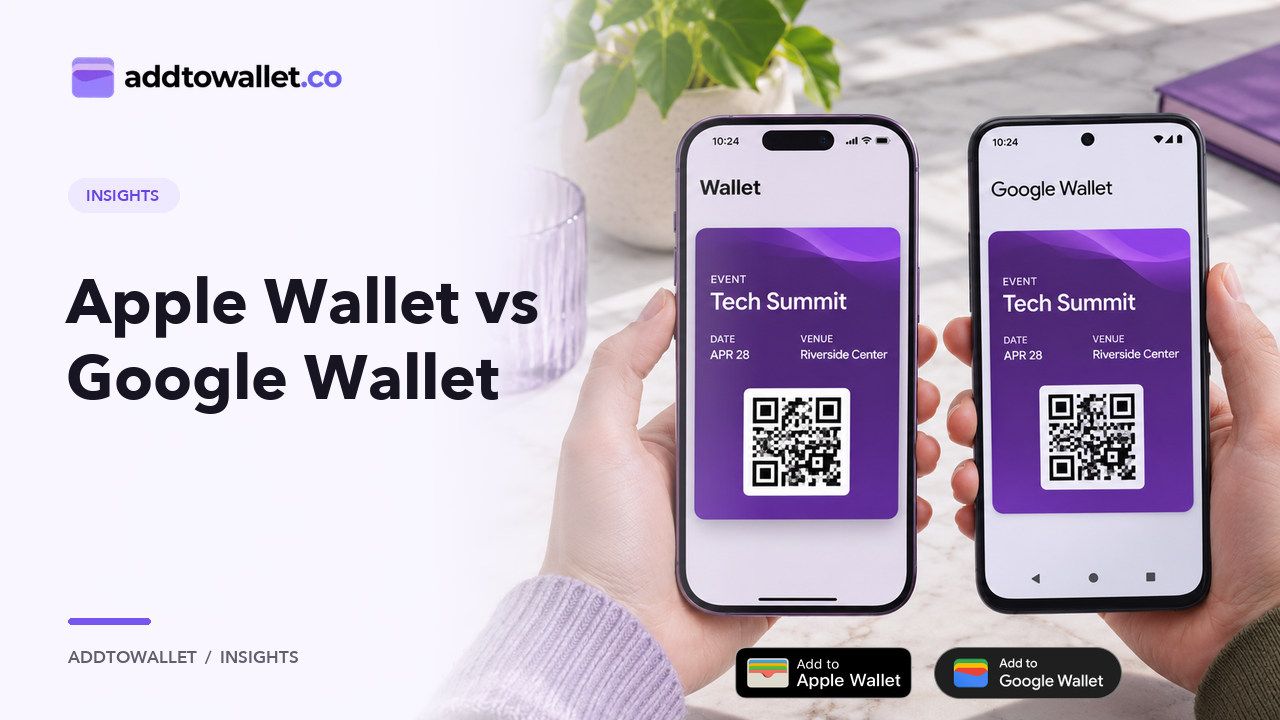
Design and deploy a single Wallet Pass compatible with both iOS and Android platforms, streamlining the user experience across different devices.

Real-Time Updates

Keep content, values, and aesthetics of Mobile Wallet Passes updated in real-time, fostering continuous engagement and communication with consumers.

Push Notifications

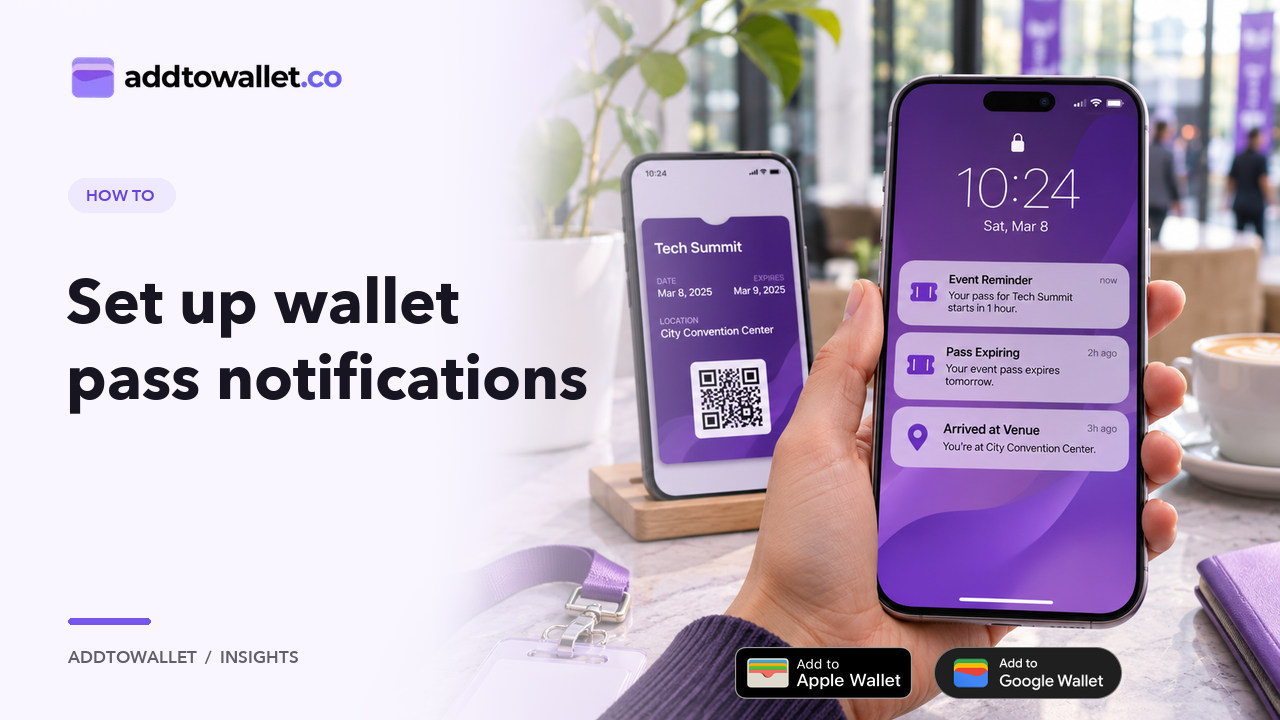
Seamlessly send push notifications directly to users' lock screens, enabling convenient and timely communication to promote offers, provide reminders, and share updates.

Location-Based Targeting

Utilize location-based technology to deliver targeted messages triggered by users' proximity to specific locations, enhancing engagement and driving foot traffic.

Faster Development Time

With AddToWallet's user-friendly platform, create and launch Mobile Wallet Passes in minutes, significantly reducing development time compared to traditional app development.

Cost Savings

Cut down on development costs associated with app development, as Mobile Wallet Passes require only a fraction of the investment while maintaining high engagement and retention rates.

Minimal Storage Impact

Mobile Wallet Passes occupy minimal storage space on users' devices, reducing the likelihood of deletion compared to bulky apps, thus ensuring sustained engagement.

Moreover, Mobile Wallet Passes contribute to companies' digital transformation efforts by replacing paper coupons and plastic loyalty cards, thereby reducing environmental impact. In addition to their efficiency and effectiveness, Mobile Wallet Passes deliver exceptional customer engagement experiences, adding tangible value to brands.

Create Wallet Pass Now

All guides

  • Guide10 reasons why incorporating Mobile Wallet Passes into your mobile strategy is essential
  • Guide5 Reasons why your store needs a wallet pass
  • GuideAdvantages of using Google and Apple wallet pass in businesses
  • GuideBest practices to design an amazing wallet pass
  • GuideBoost Engagement with Interactive Wallet Passes in Magazines
  • GuideConvert Pdf To Pass Using AddToWallet
  • GuideCreate Apple wallet pass for free
  • GuideCreate Apple Wallet passes for Your Business
  • GuideCreate Google wallet pass for free
  • GuideCreating Apple and Google Wallet Passes
  • GuideCreate Wallet Passes with the AddToWallet Zapier Integration
  • GuideDifferences between Apple and Google wallet
  • GuideEnhance audience interaction with wallet passes in Newspapers
  • GuideHidden Form Fields: Dynamic Expiry for Wallet Passes
  • GuideHow Google and Apple Wallet Pass Works
  • How-toHow to Add Amelia Booking Passes to Apple Wallet & Google Wallet
  • How-toHow to Add an Add to Wallet Button to Your Website
  • How-toHow to Add an Apple Wallet Button Easily
  • How-toHow to Add Bookly Booking Passes to Apple Wallet & Google Wallet
  • How-toHow to Add Location to Wallet Passes
  • How-toHow to Add Team Members to Your Account
  • How-toHow to Add Simply Schedule Appointments Bookings to Apple Wallet & Google Wallet
  • How-toHow to Add The Events Calendar Tickets to Apple Wallet & Google Wallet
  • How-toHow to Add LatePoint Appointments to Apple Wallet & Google Wallet
  • How-toHow to Add Sugar Calendar Tickets to Apple Wallet & Google Wallet
  • How-toHow to configure notifications for Apple & Google wallet passes
  • How-toHow to create a business pass for Apple and Google wallet
  • How-toHow to Create a wallet pass?
  • How-toHow to create a wallet pass using Zapier Integration?
  • How-toHow to create digital Concert Tickets with AddToWallet.co
  • How-toHow to create dynamic passes and manage users in AddToWallet
  • How-toHow To Create Gift Cards in Bulk
  • How-toHow to Create Hair Salon Gift Cards in Minutes
  • How-toCreate Loyalty Wallet Pass Using AddToWallet
  • How-toHow to Create Mobile Wallet Passes Using Google Sheets
  • How-toHow to Create & Scan Dynamic Wallet Passes Using AddToWallet
  • How-toHow To Distribute Google or Apple Wallet Pass
  • How-toHow to duplicate a wallet pass?
  • How-toHow to embed Google Wallet or Apple Wallet button on Shopify
  • How-toHow to embed Google wallet or Apple wallet button on Squarespace
  • How-toHow to embed Google Wallet or Apple Wallet button on Weebly
  • How-toHow to embed Google Wallet or Apple wallet button on Wix
  • How-toHow to embed Google Wallet or Apple Wallet button on WordPress
  • How-toHow to Generate JSON for Apple & Google Wallet Passes
  • How-toHow to generate leads using Google wallet or Apple wallet Pass wallet pass?
  • How-toHow to Use AddToWallet Node on N8N
  • How-toHow to integrate make.com with AddToWallet.co?
  • How-toHow to Secure Wallet Passes with Access Code Protection
  • How-toHow to Send Notifications Using Wallet Pass
  • How-toHow to Set Up Custom Domains with AddToWallet
  • How-toHow to Share Wallet Passes Using Flyers
  • How-toHow to test Apple Wallet beacons
  • How-toAddToWallet Order Pass App on Shopify
  • How-toHow to create dynamic wallet pass
  • How-toHow to Use Webhooks with AddToWallet
  • GuideOur Audience Asked for Wallet Tickets AddToWallet.co Delivered
  • GuideCreate Wallet Passes from Form Responses
  • GuideWallet Pass Generator for Google Sheets
  • GuideWallet Passes for Wedding Invitations
addtowallet.co

AddToWallet is a Mobile Wallet Pass creator to design custom Apple & Google Wallet passes for coupons, deals, gift cards, and loyalty cards.

Use Cases

  • Insurance
  • Fund raising
  • Fan-clubs
  • Restaurant
  • Higher Education

Solutions

  • Loyalty Pass
  • Coupons
  • Gift Cards
  • Event Tickets
  • Google Wallet
  • WalletPassBuilder

Company

  • FAQs
  • Blog
  • Product Updates
  • Privacy policy
  • Terms & conditions
  • Trust Center
© 2026 Hazelnut Ventures LLC