addtowallet.co
Create PassFeaturesPricingAPIBlog
Sign InGet Started Free
Google WalletNo codeApple + Google

Google Wallet passes for your business, without code

Design loyalty cards, event tickets, memberships, coupons, and gift cards—then put them in your customers' Google Wallet with the official Add to Google Wallet button. Every business gets its own Google Wallet issuer, and saved passes update when you change them.

Free accounts include up to 20 passes with API access, bulk CSV, integrations, and team invites. See pricing.
Create your first passAPI documentation
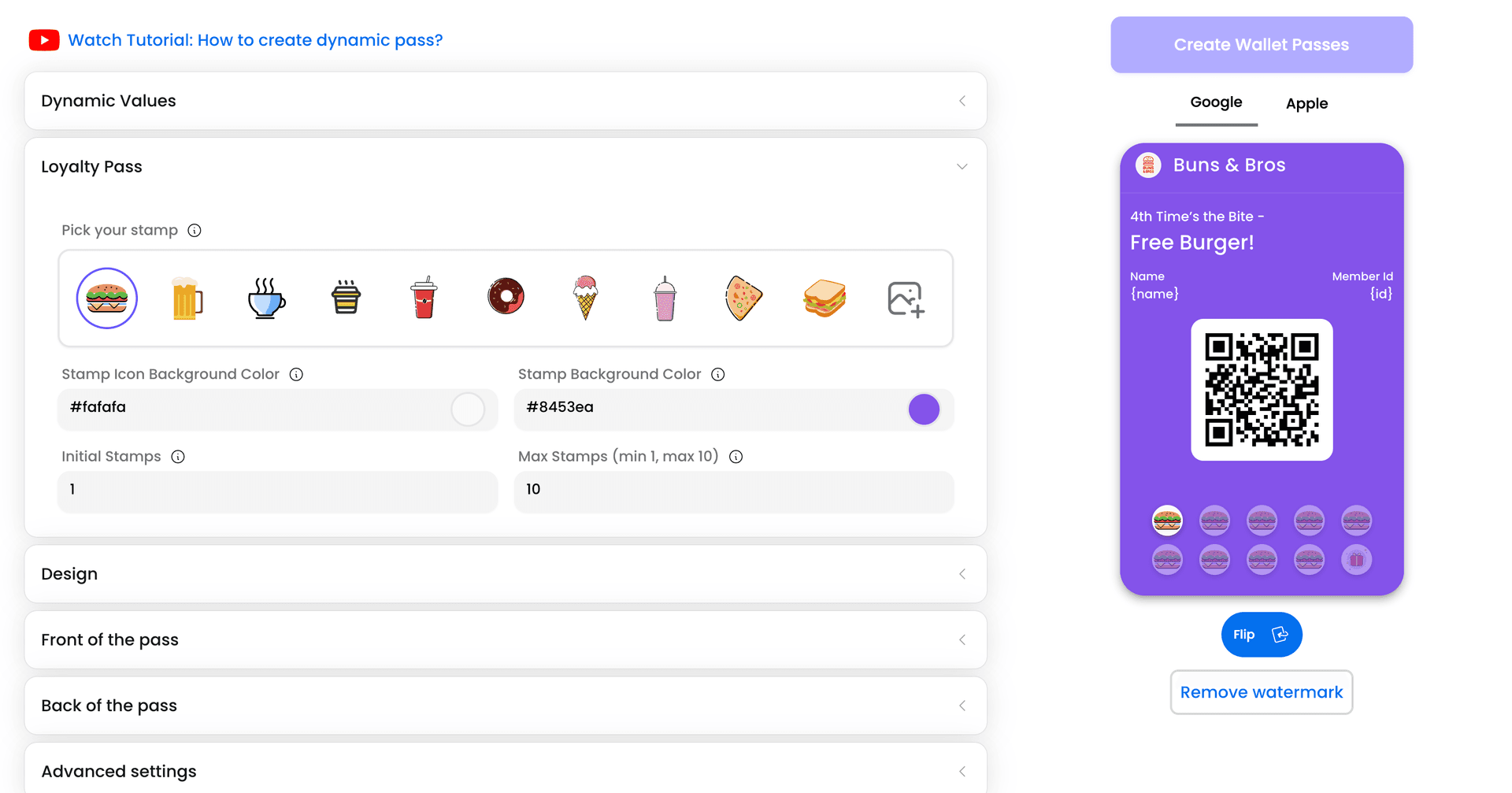
AddToWallet pass designer showing Google Wallet and Apple Wallet previews

Built for Google Wallet, ready for production

✓ Your own Google Wallet issuer

We create a dedicated Google Wallet issuer for your business when you sign up. Your passes are issued in your name—not from a shared demo account.

✓ Passes that stay up to date

Edit a pass and every copy already saved in Google Wallet updates—including personalized passes with unique names, IDs, or barcodes.

✓ Lock-screen notifications

Send updates and messages to people who saved your pass, now or on a schedule. Google Wallet limits how many alerts appear on the lock screen per pass per day; messages also appear on the pass details screen.

✓ QR codes, barcodes & hero images

Add scannable codes for check-in or redemption and a full-width hero image so every pass matches your brand.

✓ Enrollment & dynamic passes

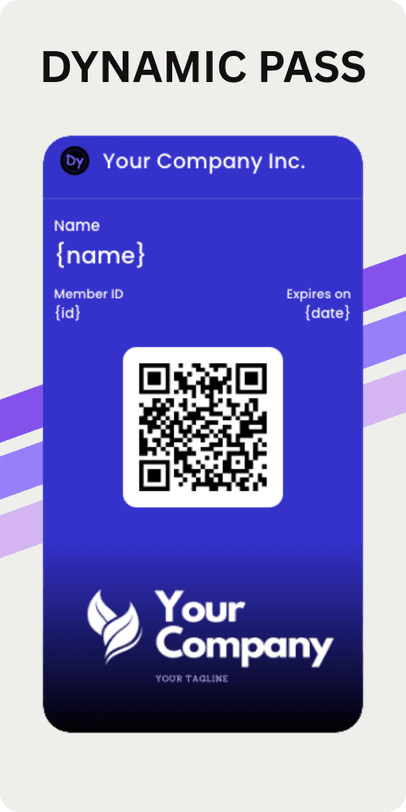
Collect sign-ups from a link or QR code, issue one pass per customer, and manage members in bulk—with optional staff scanning from our scanner tools.

✓ Official Add to Google Wallet button

Use Google's button on your site, in emails, or on share pages. On Android, customers save the pass straight into Google Wallet—no extra app required.

Start from a Google Wallet template

Explore all templates →

Same designs as our homepage gallery—tap a template to customize it for Google Wallet and Apple Wallet.

Gift card & coupon

Gift card & coupon

Offers and gift cards with barcodes and expiry.

Use template →
Event ticket

Event ticket

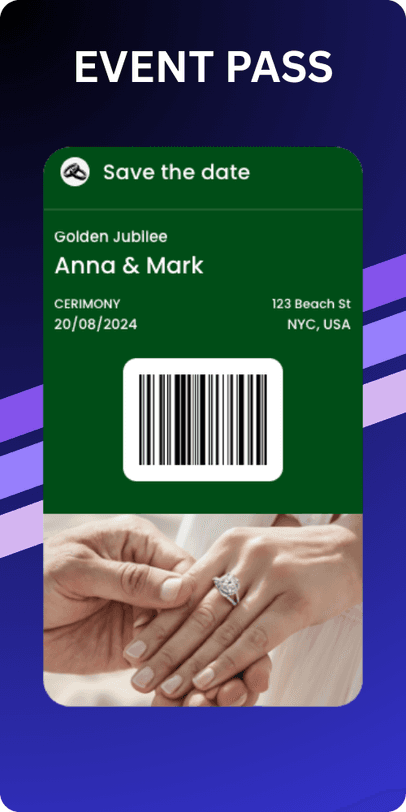
Date, venue, and QR for entry.

Use template →
Membership

Membership

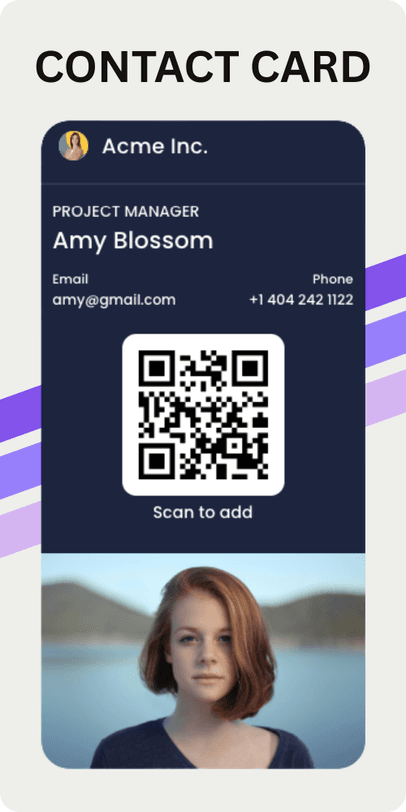
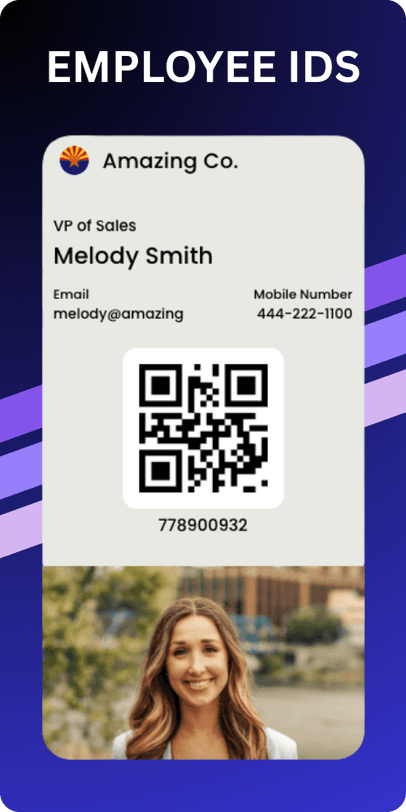
Member name, ID, and contact fields.

Use template →
Promo & offer

Promo & offer

Hero image and bold promo layout.

Use template →

Swipe sideways to see all templates →

Live in Google Wallet in three steps

1

Design

Start from a template or import from PDF or image. Customize fields, colors, barcodes, and notifications with live wallet previews.

2

Publish

We issue the pass under your Google Wallet issuer. Share a link, QR code, embed, or the Add to Google Wallet button.

3

Update & notify

Change content anytime or push a notification. Every saved copy updates on your customers' phones.

Share passes wherever you already work

Your website

  • Public pass share pages with Add to Google Wallet
  • Embed buttons on WordPress, Shopify, Wix, Squarespace, and more
  • WordPress embed guide

Email & campaigns

  • Share links or wallet buttons in email and SMS
  • Automate issuance from form responses and CRM workflows

Stores & booking plugins

  • Shopify Order Pass
  • WooCommerce Order Pass & Event Pass
  • WordPress booking connectors: Amelia, Bookly, LatePoint, EventON, Modern Events Calendar, and more

Your own systems

  • REST API, webhooks, and npm package
  • Zapier, Make.com, n8n, and Google Sheets
  • Bulk CSV import for thousands of personalized passes

Product app: app.addtowallet.co · Trust center: Security & compliance

Google Wallet questions

Do I need a Google Wallet developer account?
No. AddToWallet creates and manages a Google Wallet issuer for your business. You design and publish passes in our app; we handle the Google Wallet Objects API integration under your issuer.
Does Google charge for Google Wallet passes?
Google does not charge merchants to issue or save Google Wallet passes. On AddToWallet, usage is based on your plan's pass creation and wallet-save limits. Free accounts can create up to 20 passes with core features included.
Can I change a pass after customers have saved it?
Yes. Update the pass in AddToWallet and saved copies in Google Wallet refresh automatically. Dynamic passes update individually when a customer's data changes.
How many notifications can I send?
You can schedule and send notifications from AddToWallet, but Google Wallet controls how many appear on the lock screen (typically around three alerts per pass per day). Additional messaging remains visible on the pass details screen.
Does the same pass work in Apple Wallet?
Yes. Every pass you design works in both Google Wallet and Apple Wallet from the same link and share page—one workflow for Android and iPhone customers.
Are API access and integrations only on paid plans?
No. API access, bulk CSV, integrations (Zapier, Make, n8n, Google Sheets, connectors), and team member invites are included on every plan within your limits—including free accounts up to 20 passes.

Be on the lock screen in minutes

Pick a template, add your logo, and share your first Google Wallet pass today.
Get started free
addtowallet.co

AddToWallet is a Mobile Wallet Pass creator to design custom Apple & Google Wallet passes for coupons, deals, gift cards, and loyalty cards.

Use Cases

  • Insurance
  • Fund raising
  • Fan-clubs
  • Restaurant
  • Higher Education

Solutions

  • Loyalty Pass
  • Coupons
  • Gift Cards
  • Event Tickets
  • Google Wallet
  • WalletPassBuilder

Company

  • FAQs
  • Blog
  • Product Updates
  • Privacy policy
  • Terms & conditions
  • Trust Center
© 2026 Hazelnut Ventures LLC