
Google Sheet Extension
PDF to Pass
Image to Pass
QR Code Generator
Barcode Generator

Every appointment and event booked through Amelia becomes an Apple or Google Wallet pass, so it sits on your customer's phone instead of in an email they will not reopen.
In WordPress go to Plugins → Add Plugin → Upload Plugin, choose the file and activate it.
Step-by-step setup guide, with screenshots →
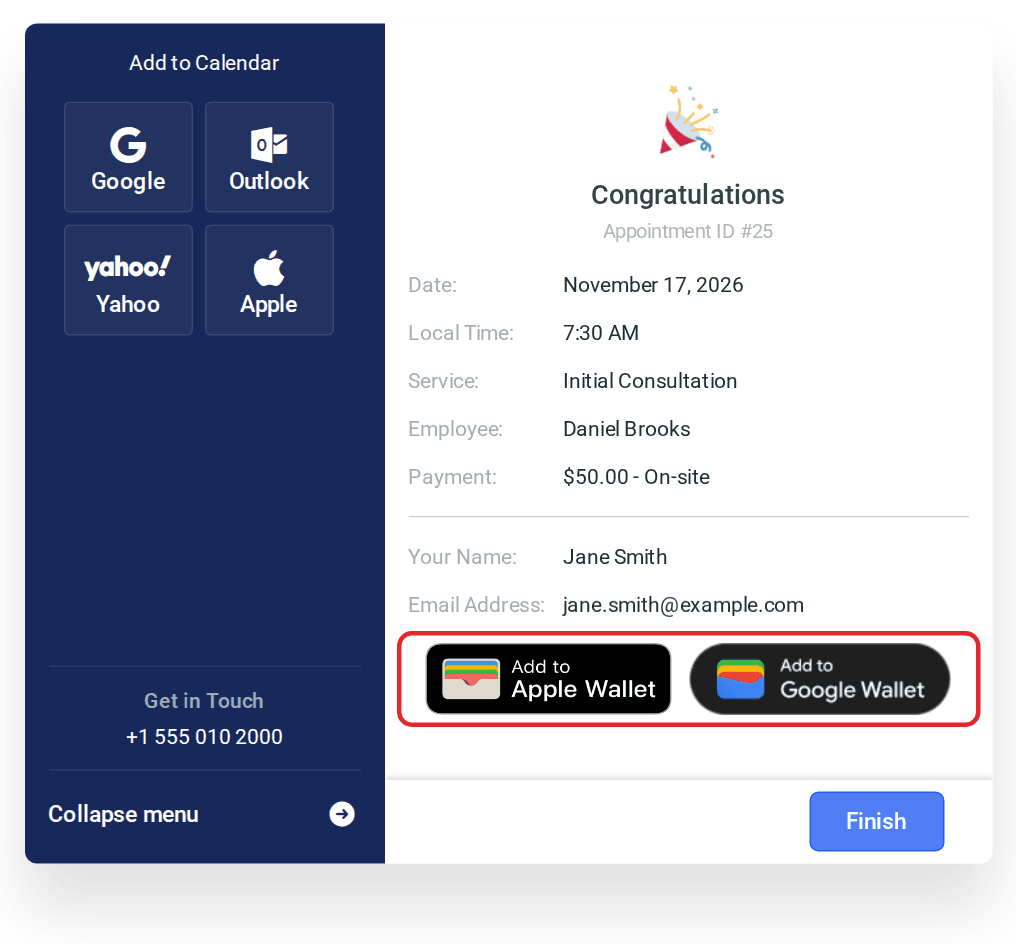
The wallet buttons are added to Amelia's own confirmation screen, right below the booking details, so the booking flow is unchanged.
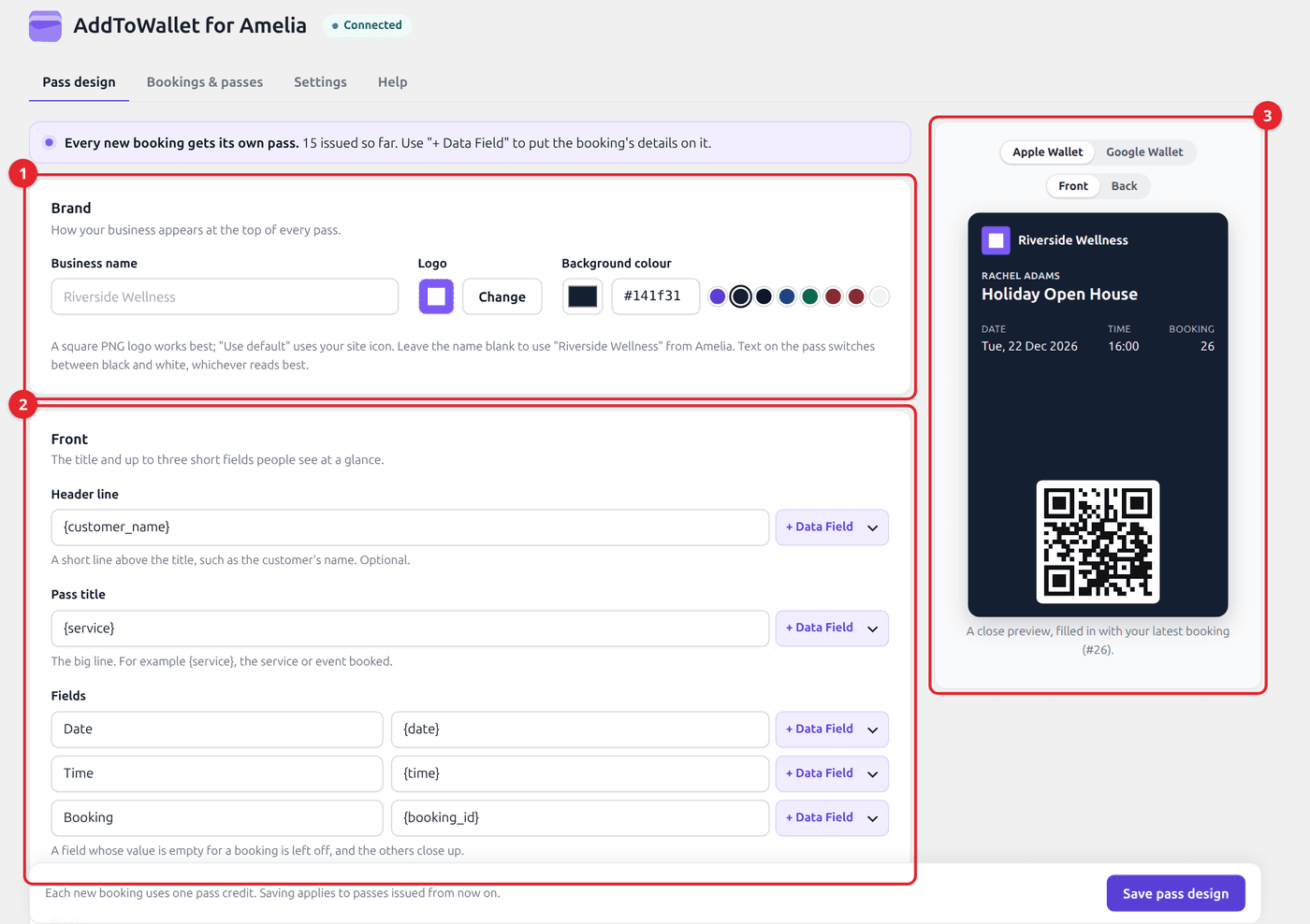
Four tabs in wp-admin: Pass design, Bookings & passes, Settings and Help.
Each pass uses one credit when it is created. Updating it after a change uses none, and expiring it does not refund the credit. If your balance runs out, bookings carry on as normal but no pass is created; Bookings & passes shows why. A package purchase has no single date, so it gets no pass of its own, and a recurring appointment gets one pass, for the first occurrence. If the customer is sent to another page after booking (a WooCommerce checkout, or Amelia's Redirect URL after booking), Amelia never shows its confirmation screen, so there is nowhere to show the buttons.